Best AI Interior Design Tools in 2026 (Tested and Compared)
We compared the top AI interior design tools of 2026 on realism, ease, speed, and price. Here's the honest breakdown of which one is best for homeowners, renters, designers, and real estate — and how to get great results from any of them.
 Easy Room AI Team
AI has gone from novelty to standard practice in interior design. In the 1stDibs 2026 trends survey, three times as many designers reported using AI tools in their work compared to the previous year — for renderings, mood boards, and client presentations. For homeowners, that means you can now redesign a room in seconds, for free, before spending anything on paint or furniture.
The problem is there are dozens of tools, and most "best of" lists are thin affiliate roundups. This one is different: we build an AI interior design tool ourselves (EasyRoomAI), so we know exactly what separates a great one from a frustrating one. Below is an honest, criteria-led comparison — including where competitors beat us.
In this guide you will learn:
- How we evaluated each AI interior design tool
- The best tools at a glance (quick comparison table)
- The right pick for homeowners, renters, designers, and real estate
- What to look for before you pay for anything
- How to get photorealistic results from any tool
How we evaluated these tools
We judged every tool on the six things that actually matter to a real project:
- Realism — does the output look like a real room, or an obvious AI render?
- Ease of use — can a non-designer get a good result on the first try?
- Speed — seconds, or a long queue?
- Style range — enough styles to be useful, without overwhelming you.
- Free tier — can you try it without paying or even signing up?
- Best fit — who each tool is genuinely for.
The takeaway: the "best" tool depends entirely on whether you're a homeowner, a renter, a designer, or an agent. Here's how they stack up.
The best AI interior design tools at a glance
| Tool | Best for | Free to try | Standout strength |
|---|---|---|---|
| EasyRoomAI | Homeowners & renters | Yes, no signup | Fast, photorealistic redesigns |
| Interior AI | Power users & staging | Trial | Virtual staging + sketch-to-image |
| RoomGPT | A quick first try | Limited free | Simple, popular, beginner-friendly |
| RoomsGPT | An all-in-one toolbox | Free daily credits | 60+ styles + free side tools |
| Homedesigns.ai | Huge style/room library | Daily free credits | 80+ styles, 60+ room types |
| Paintit.ai | Shop-the-look furniture | 30 free credits | Real furniture buy links |
| MyArchitectAI | Architects & pros | Limited free renders | Sketch-to-render, 4K, fast |
Redesign Your Room in Seconds
Upload a photo of your space to test 16 curated design styles instantly with AI — 100% free.
Supports JPG, PNG, WebP up to 10MB
1. EasyRoomAI — best for homeowners who want fast, realistic results
We'll be upfront: this is our tool. We built it around one job — letting a homeowner or renter upload a photo and get a photorealistic redesign in seconds, free, without creating an account. Where many tools chase 80+ styles and a dozen modes, we focused on getting the core redesign genuinely good and dead simple, following a strict set of design principles.
- Best for: homeowners and renters previewing a redesign before they buy.
- Strengths: realistic output, no-signup free previews, a clean interface, and an exterior design tool for facades and yards.
- Trade-off: a tighter, curated style list rather than an exhaustive one, and we're focused on interiors and exteriors rather than floor plans or 3D walkthroughs.
Try it free — no signup needed for your first previews.
2. Interior AI — best for power users and virtual staging
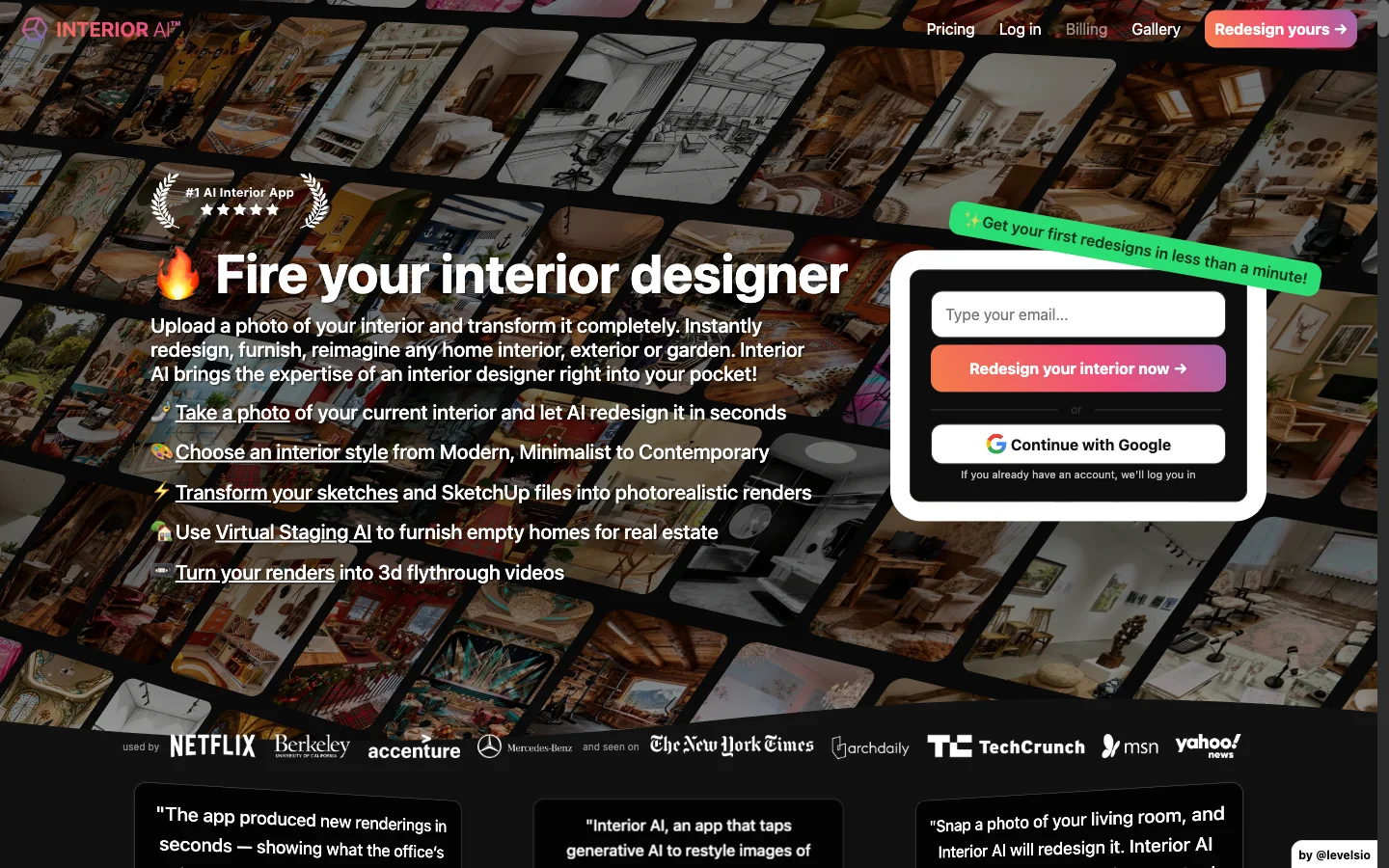
Built by indie maker Pieter Levels, Interior AI is one of the category's most established tools. It offers virtual staging, a sketch-to-image mode, and a large style library, which makes it a favorite of more advanced users and people staging properties.
- Best for: power users, virtual staging, and sketch workflows.
- Trade-off: more modes mean a steeper learning curve than a single-purpose redesigner.
See the full breakdown in our EasyRoomAI vs Interior AI comparison.
3. RoomGPT — best for a quick first try

RoomGPT is the tool that introduced a lot of people to AI room design. It's simple and beginner-friendly: upload a photo, pick a theme, get a result. That simplicity is its appeal and its limit — it does one thing, with a limited free tier.
- Best for: complete beginners wanting a fast first taste of AI redesign.
- Trade-off: fewer controls and styles than the bigger toolkits.
Compare them directly in EasyRoomAI vs RoomGPT.
4. RoomsGPT — best all-in-one toolbox
RoomsGPT bundles a room planner with exterior and garden design, virtual staging, and a set of free side tools (calculators and color tools), plus a generous no-signup free tier and 60+ styles.
- Best for: people who want lots of free tools in one place.
- Trade-off: breadth over depth — a lot of features, each less specialized.
Here's how it lines up in EasyRoomAI vs RoomsGPT.
5. Homedesigns.ai — best for a huge style and room library
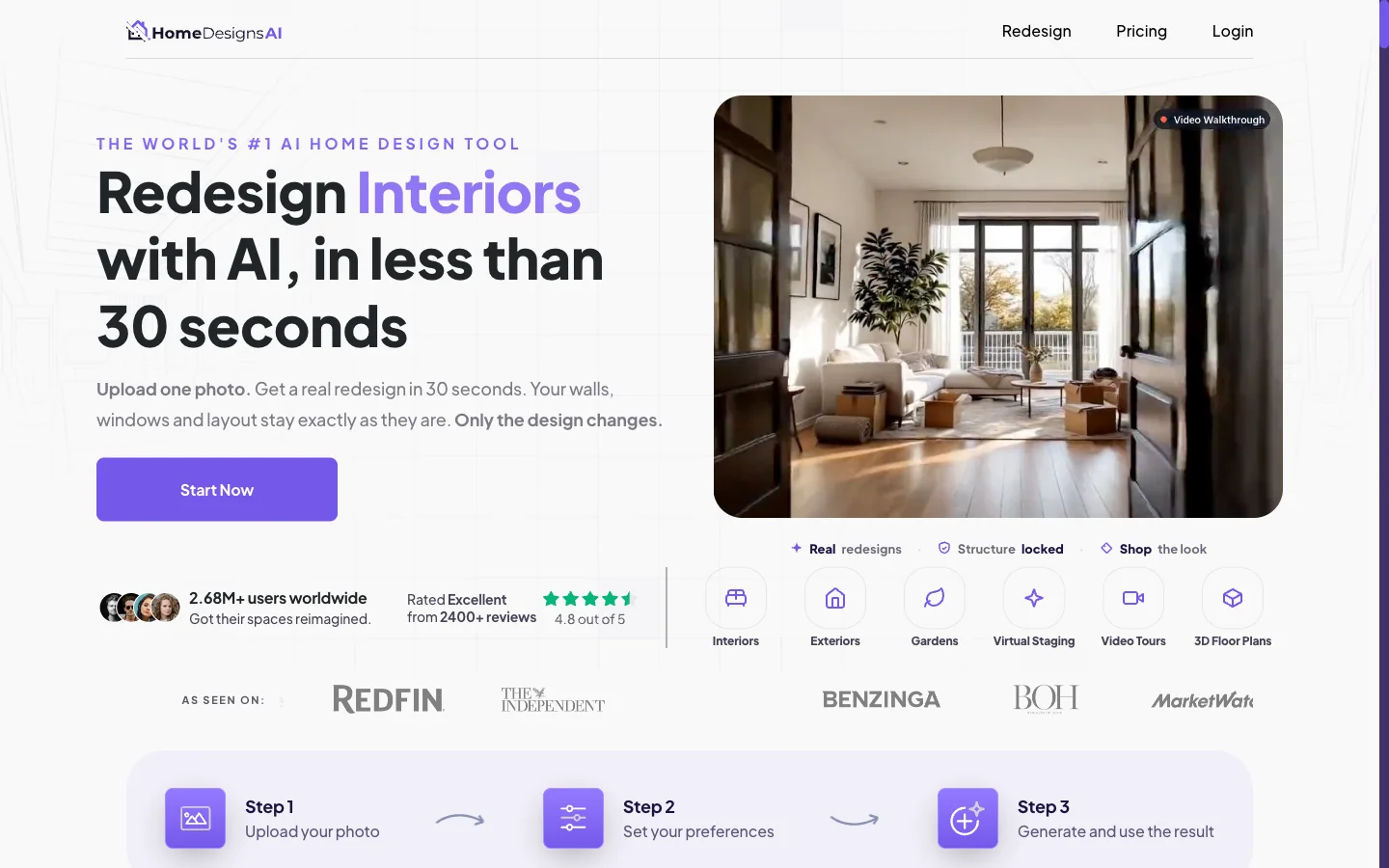
If sheer variety is your priority, Homedesigns.ai is hard to beat, with 80+ styles and 60+ room types (right down to saunas and wine cellars), plus exterior and garden modes and an "AI intervention" slider to control how far the AI strays from your original.
- Best for: users who want the widest possible library and niche room types.
- Trade-off: so many options can be overwhelming if you just want one good redesign.
Details in EasyRoomAI vs Homedesigns.ai.
6. Paintit.ai — best for shop-the-look furniture
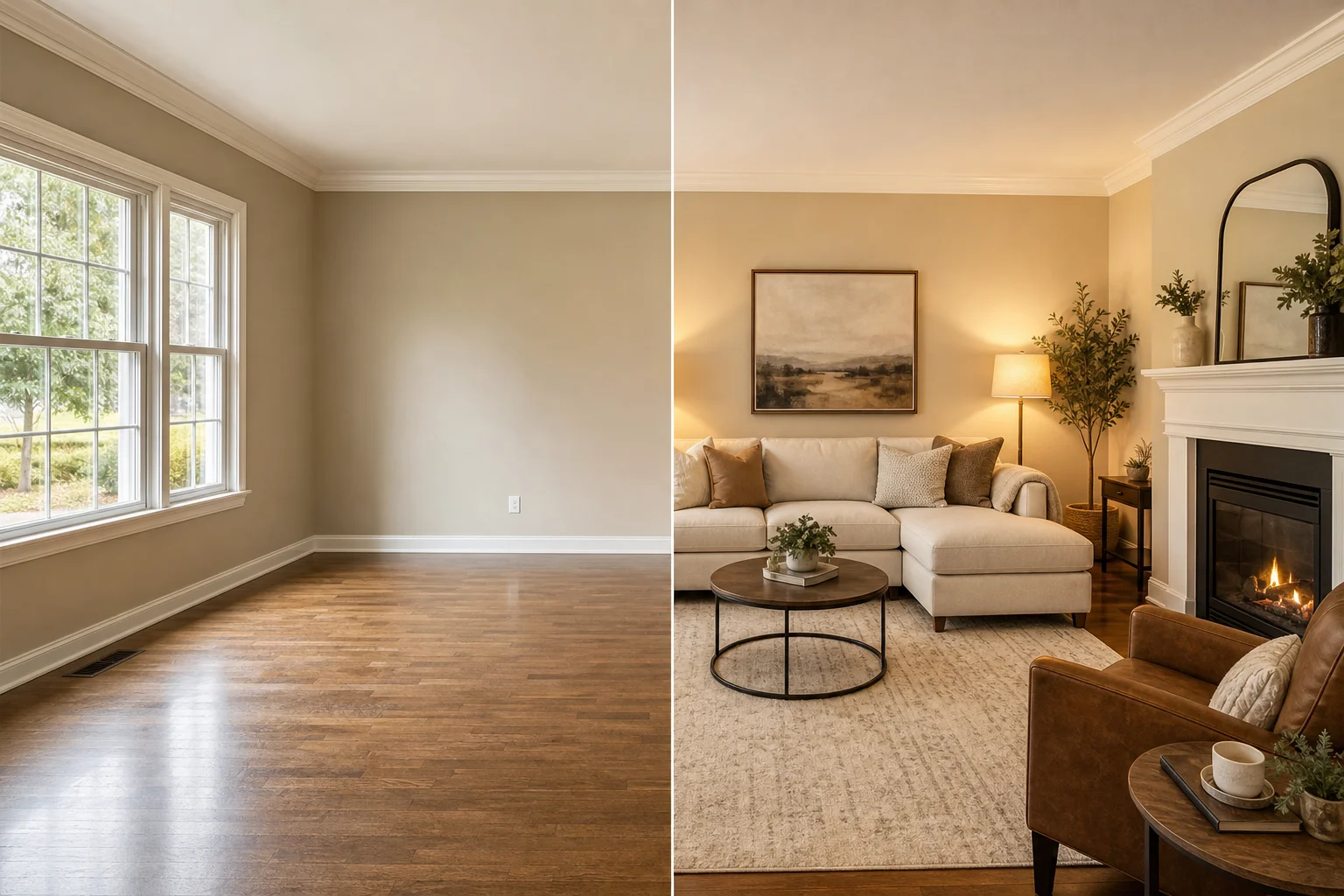
Paintit.ai's signature trick is identifying furniture in your generated image and linking to real products you can buy from retailers like Amazon and IKEA. It also offers staging, repaint, and targeted editing, with 30 free credits to start.
- Best for: people who want to shop the exact look they generated.
- Trade-off: the shopping focus matters less if you only want the visual.
See EasyRoomAI vs Paintit.ai for the full picture.
7. MyArchitectAI — best for architects and professionals
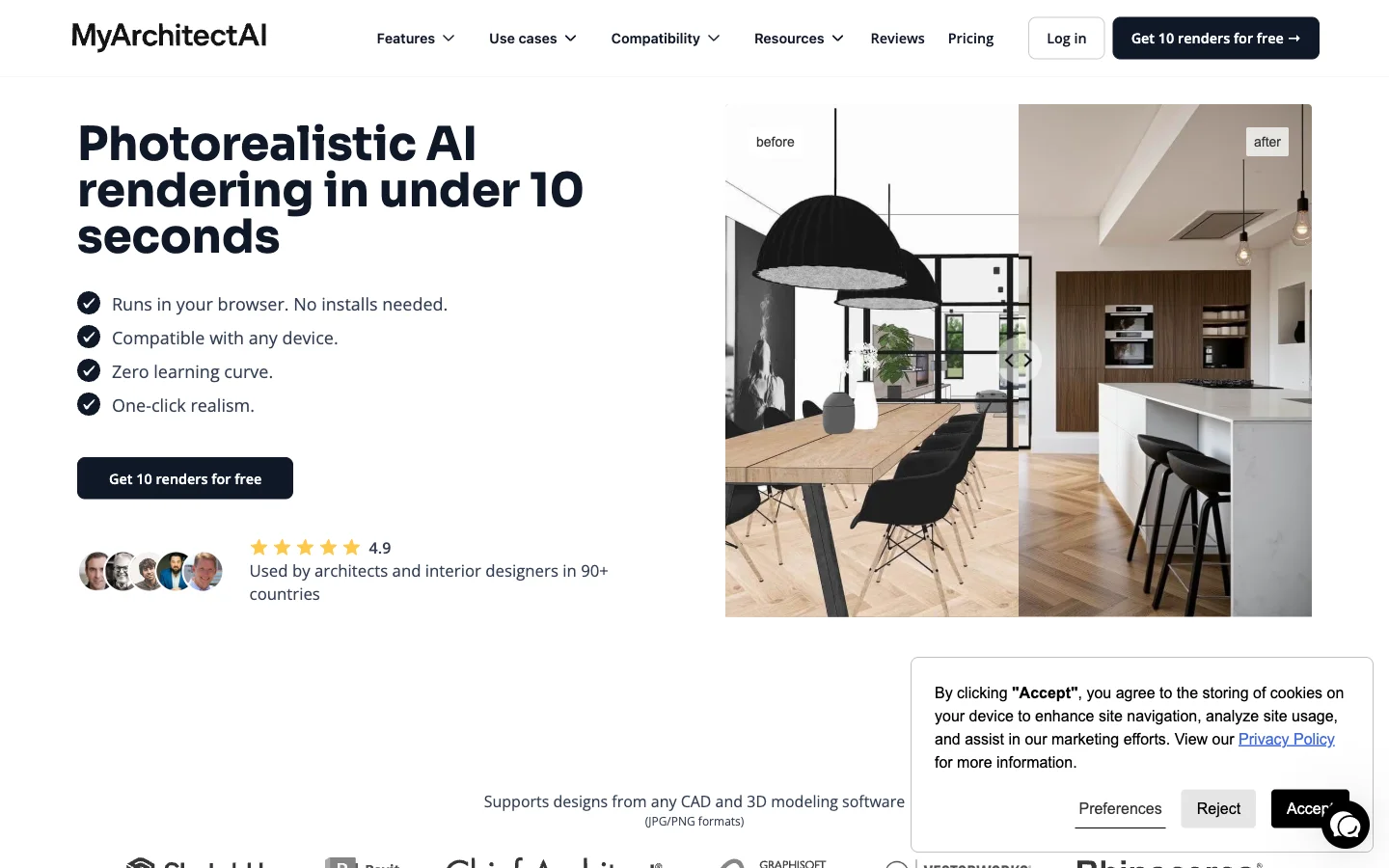
This one's aimed at pros. MyArchitectAI does sketch-to-render, fast high-resolution output (up to 4K), render editing, and even a SketchUp plugin — built for architects and designers replacing slower rendering software, with B2B-style annual pricing.
- Best for: architects, interior designers, and B2B rendering workflows.
- Trade-off: overkill (and priced) for a homeowner doing one room.
What to look for in an AI interior design tool
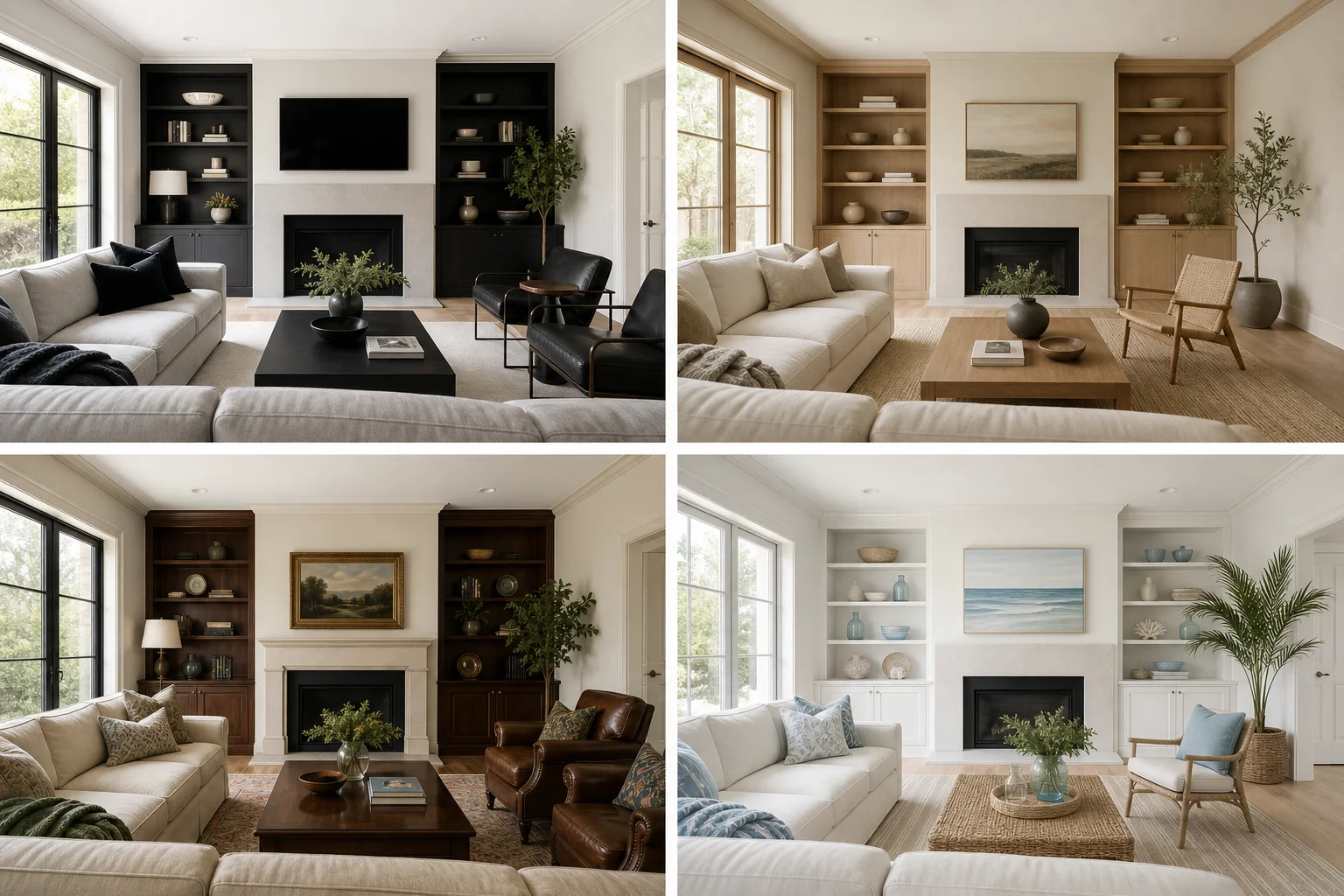
Whichever tool you choose, weigh these before you pay:
- A real free tier. The best tools let you try before you buy — ideally without even signing up. Don't pay until you've seen its output on your room.
- Realism over gimmicks. Generate one photo of your actual space. If it looks fake, no feature list will fix it.
- Structure retention. A good tool restyles your room while keeping its real layout, windows, and proportions — not inventing a different room.
- The right scope. A focused redesigner beats a 20-tool suite if all you want is to repaint and refurnish one room. Match the tool to the job.
- Transparent pricing. Watch for credits that burn fast; check what a finished project actually costs. Here's our pricing as a reference point.
How to get photorealistic results from any tool
A few habits dramatically improve your output, regardless of tool:
- Use a clear, well-lit photo. Shoot in daylight, hold the camera at eye level, and capture the whole room — bad input is the number-one cause of bad AI results.
- Declutter first. Fewer objects give the AI a cleaner canvas to work from.
- Be specific with the style. "Warm minimalist living room with oak floors and cream walls" beats "make it nice." Borrow language from our color trends guide.
- Generate several options. Run the same room in three or four styles, then commit to the one that actually suits your light and layout.
Try the redesign for yourself
The fastest way to find your favorite tool is to test one on your own room right now. Upload a photo to EasyRoomAI and generate a redesign in seconds — free, no signup — then compare it against any other tool on this list.
- Redesign a room free
- Browse ideas by room and style in our design ideas hub.
Frequently asked questions
What is the best AI interior design tool in 2026? There's no single winner — it depends on your goal. For homeowners and renters who want a fast, photorealistic redesign for free, EasyRoomAI is built for exactly that. Interior AI suits power users and virtual staging, RoomGPT is great for a quick first try, and MyArchitectAI targets architects. Test two or three on your own room to decide.
Are there free AI interior design tools? Yes. Several tools offer free tiers, and some let you generate previews without even signing up. EasyRoomAI offers free anonymous previews, and RoomsGPT, Homedesigns.ai, and Paintit.ai all provide free daily or starter credits. Always try the free tier on your real room before paying.
Do AI interior design tools give realistic results? The good ones do. Realism comes down to two things: the quality of the model and the quality of your input photo. Use a clear, well-lit, eye-level photo of the whole room, and choose a tool that keeps your room's real layout and proportions rather than inventing a new space.
Can AI interior design tools redesign my actual room? Yes — that's the core feature. You upload a photo of your real room and the tool restyles it while keeping the existing structure, so you see your own space reimagined rather than a generic stock room.
Which AI tool is best for real estate virtual staging? For dedicated virtual staging, Interior AI and Paintit.ai both offer staging modes, and EasyRoomAI can stage and restyle empty or furnished rooms. For agents, prioritize realism, speed, and cost per image since you'll generate many listings.
How much do AI interior design tools cost? Most use a freemium or credit model. Free tiers cover casual use; paid plans typically run from around $15 to $50 per month depending on volume and features. Compare the cost per finished project, not just the headline price — see our pricing as a benchmark.
AI design tools by room and use case
Looking for a tool tailored to a specific project? Start here:
- By room: Best AI kitchen design tools · Kitchen design ideas · Living room ideas
- By budget: Best free AI interior design apps
- By use case: Best AI virtual staging tools · Home exterior design ideas
- Inspiration first: Japandi interior design · Warm neutral living room · Small kitchen ideas
AI interior design has matured fast: the tools are realistic, quick, and mostly free to try. Start by testing one on your own room today, judge it on your real space, and let the result — not a feature list — pick your winner.
Ready to Transform Your Space?
Try AI room redesign for free - no credit card required.
Start Designing FreeRelated reading

10 Best Free AI Interior Design Apps in 2026
You can preview a full room redesign in 2026 without paying a cent — if you know which free tiers are genuinely usable. We compared the 10 best free AI interior design apps on credits, signup walls, watermarks, and output quality, so you know exactly what free gets you and when it's worth upgrading.
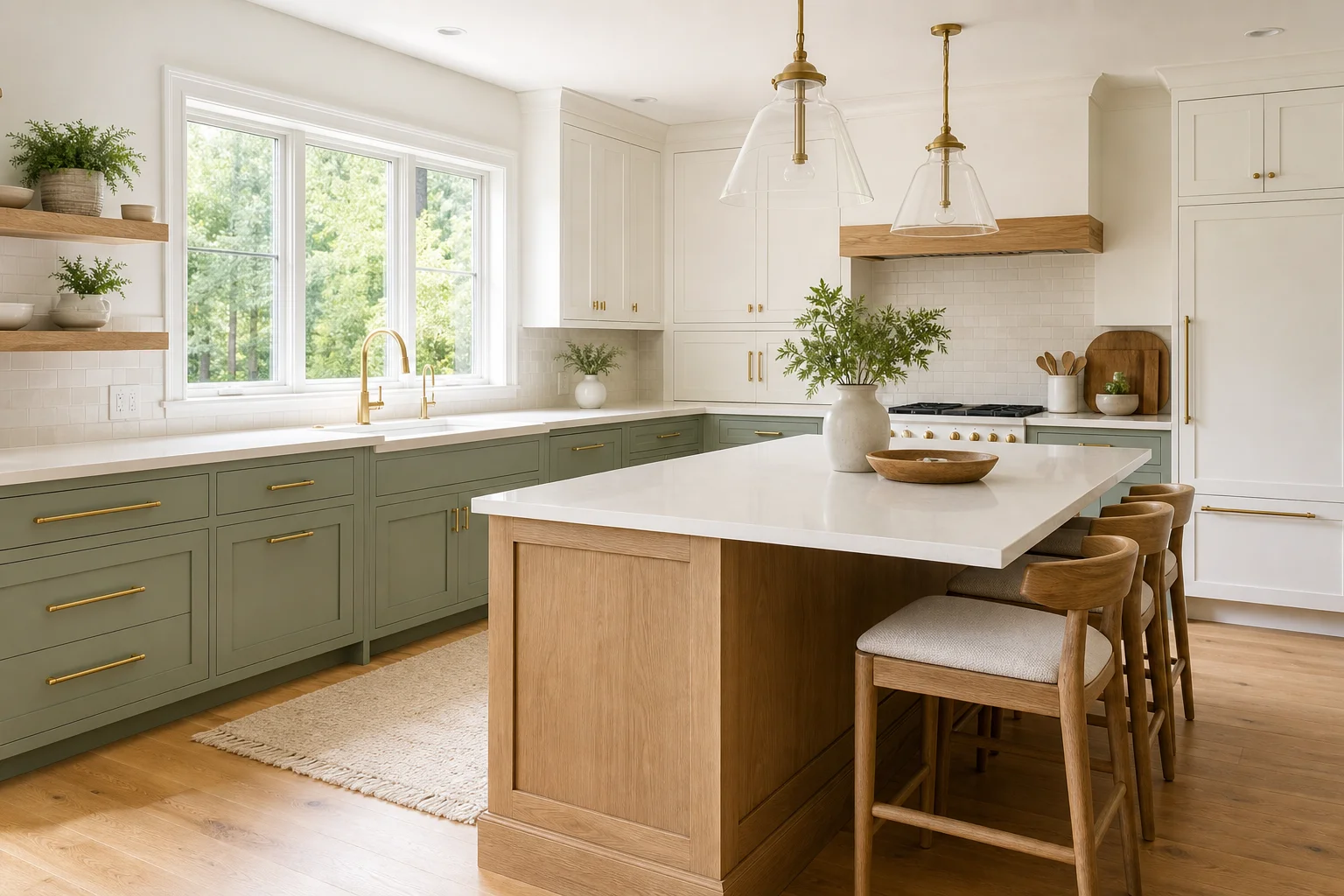
7 Best AI Kitchen Design Tools in 2026 (Tested and Compared)
A kitchen remodel is a five-figure decision, and the costliest mistake is choosing wrong. We compared the 7 best AI kitchen design tools of 2026 on cabinet color previews, layout retention, realism, and price — so you can see the finished kitchen before you commit.
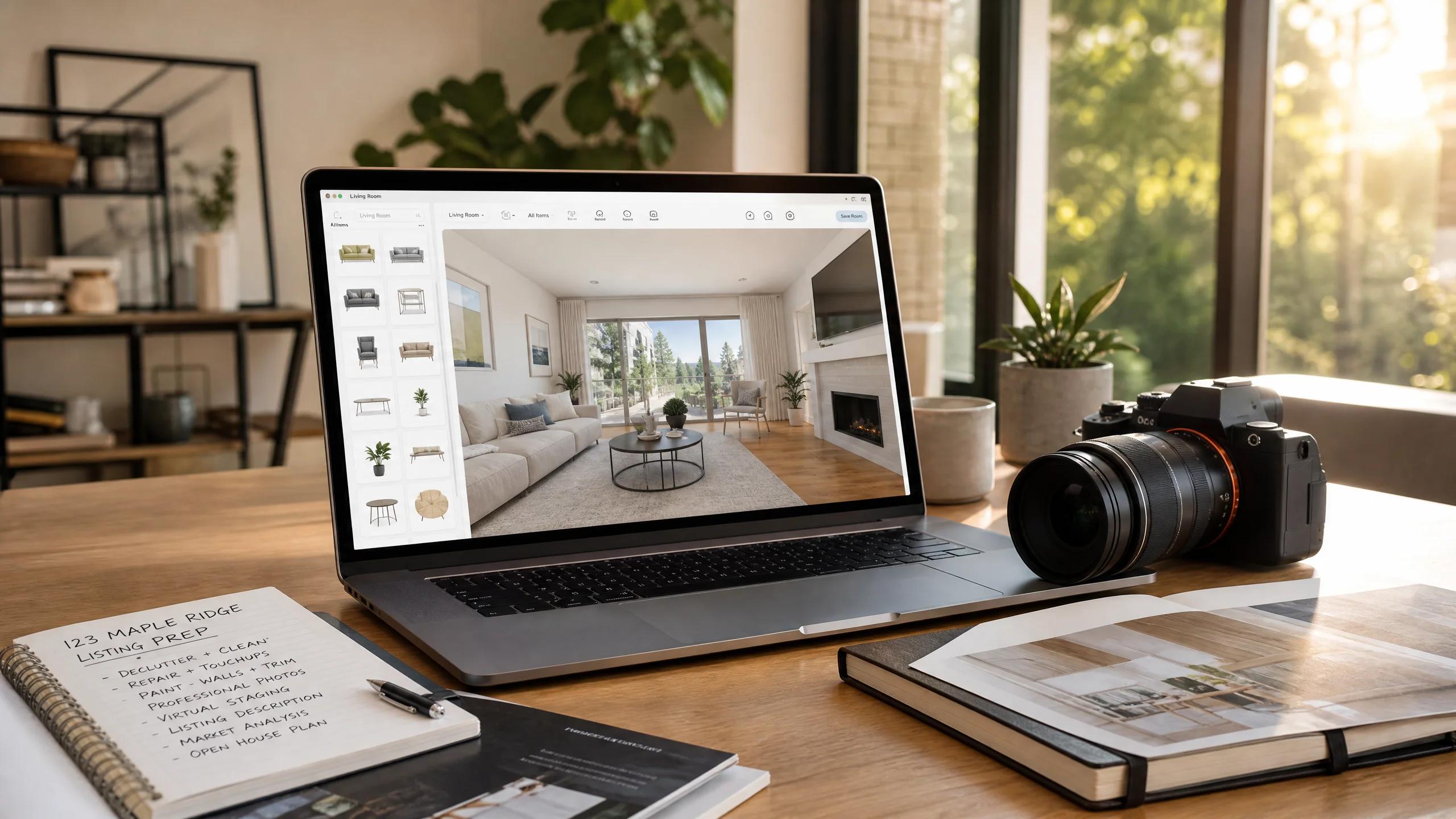
DIY Virtual Staging Software: How to Stage Listings Yourself in 2026 (Tools, Costs & Step-by-Step Guide)
Stop paying $24–$35 per photo to outsourcing agencies. Compare the top DIY virtual staging software in 2026, master the 5-step realtor staging workflow, and avoid costly MLS disclosure and perspective mistakes.