Best Virtual Staging Software for Real Estate (2026 Tested)
Compare the best virtual staging software for real estate in 2026. Real test data from Reddit photographers, architecture lock vs AI hallucination, 360° panorama support, and MLS compliance.
 Easy Room AI Team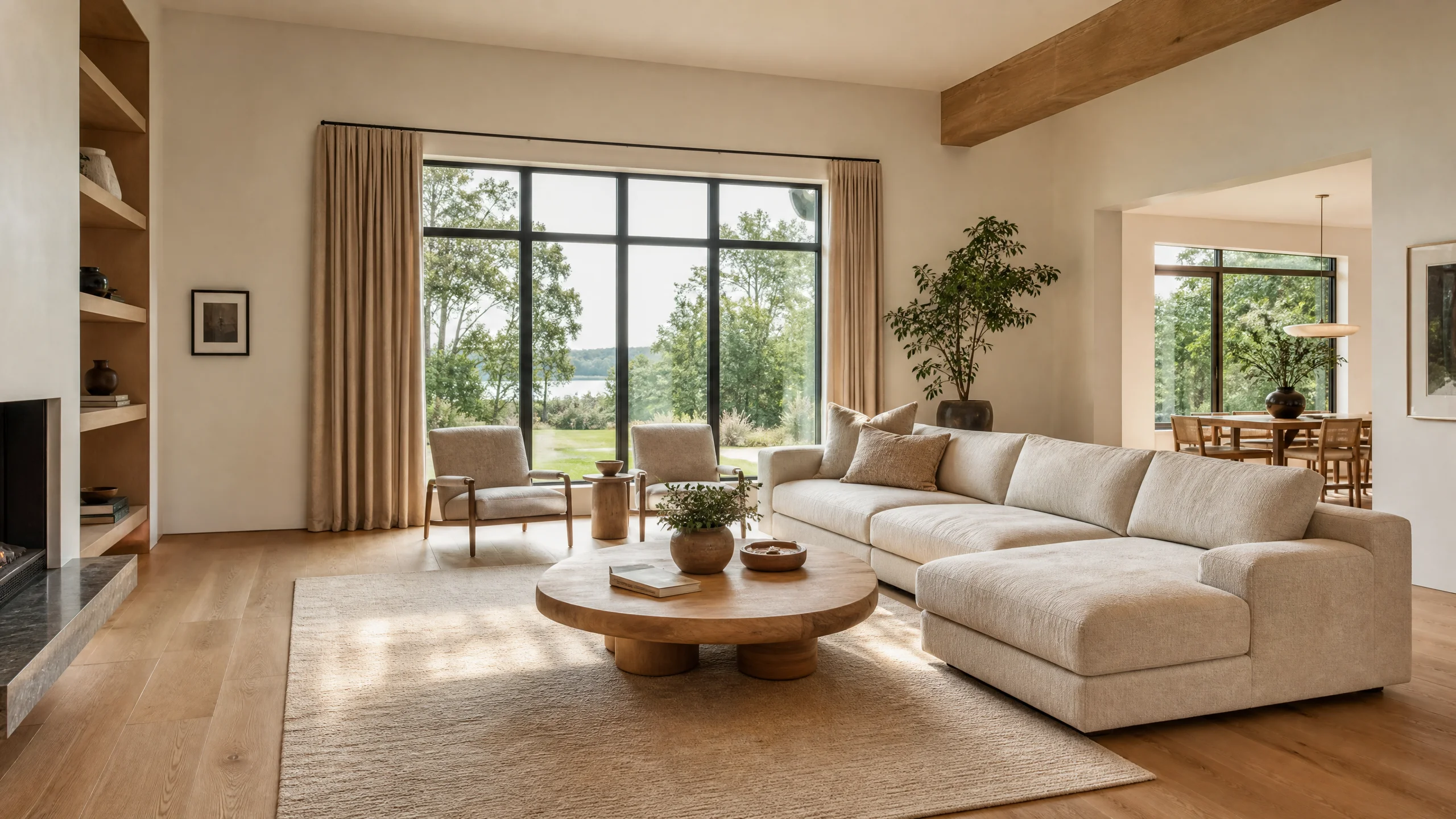
Selling a vacant home in 2026 is an uphill battle. Bare drywall and empty floors strip away any sense of scale, leaving 82% of prospective buyers unable to visualize how their own furniture would fit, according to the National Association of Realtors (NAR) Profile of Home Staging.
Historically, listing agents faced an agonizing choice: spend $2,000 to $5,000 for a 3-month physical staging rental, or pay $24 to $32 per photo to overseas manual retouchers on BoxBrownie and wait 48 hours for revisions.
In 2026, generative AI has completely disrupted listing presentation. Today's best virtual staging software can furnish vacant properties in seconds for less than $0.20 per photo. However, a new minefield has emerged: generic AI tools frequently hallucinate non-existent windows, move structural load-bearing walls, or cram 10-person dining tables into 80-square-foot nooks—triggering severe MLS compliance penalties and buyer distrust.
Whether you are a listing agent aiming to cut carrying costs or a real estate photographer scaling an add-on service, this benchmark guide evaluates the best virtual staging software of 2026 against rigorous architectural fidelity, turnaround speed, true pricing economics, and MLS legal requirements.
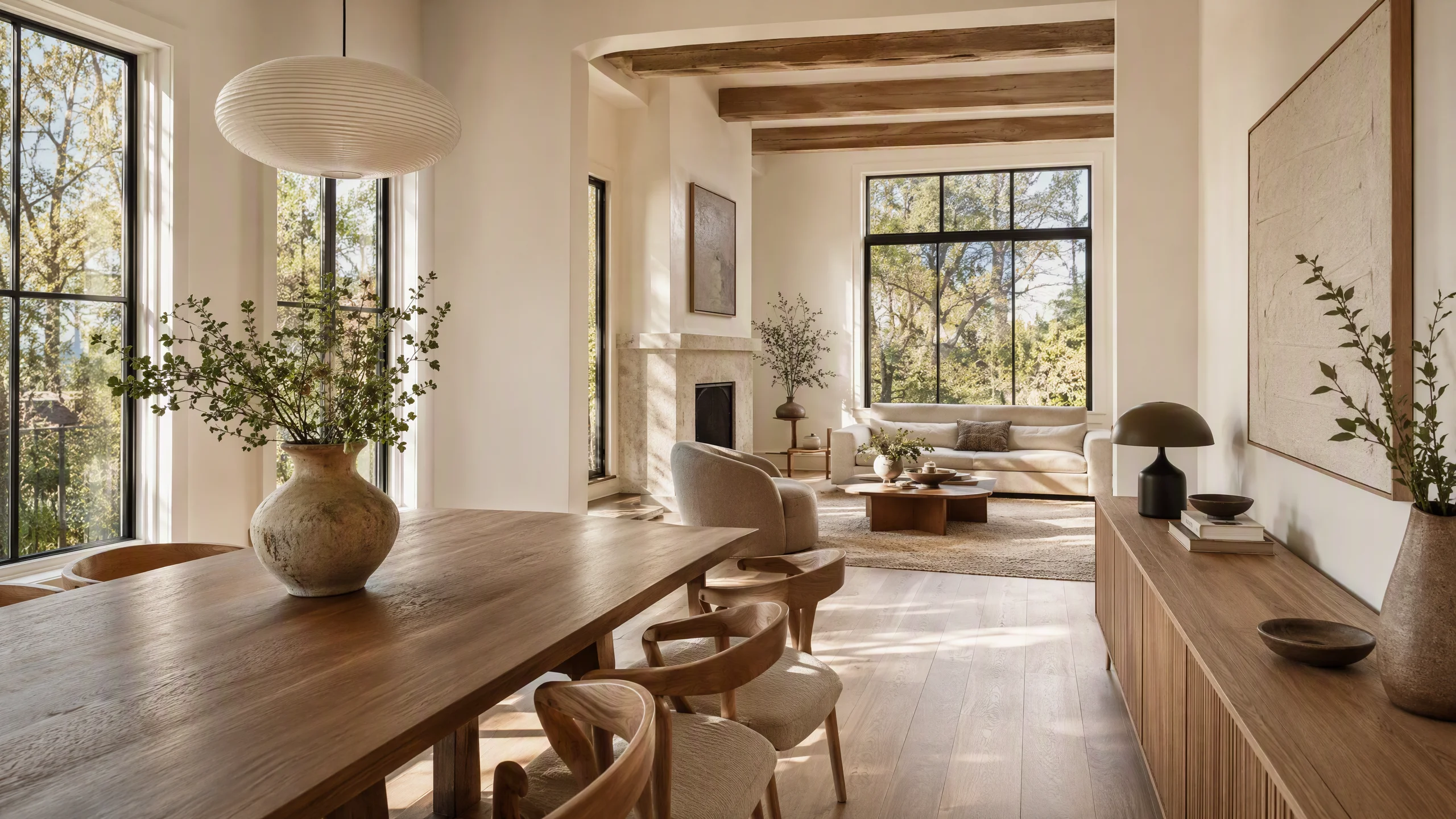
Quick Verdict for Agents & Photographers
- Best overall for architecture-locked staging + 360° panoramas: EasyRoomAI Virtual Staging — locks walls/windows/floors 100%, generates in 8–15 seconds, exclusive 2:1 equirectangular 360° staging, and clear volume pricing (Starter $1.99 to Premium $49.90/mo).
- Best for granular 3D drag-and-drop placement: ApplyDesign — exceptional manual control down to the centimeter, but takes 15–20 minutes per photo at $7–$10.50 each.
- Best for human-supervised luxury edits: BoxBrownie — reliable human quality control when you cannot afford a single algorithmic artifact ($24–$32/photo, 24–48h turnaround).
- Best low-cost bulk staging with shoppable furniture: Collov AI — affordable subscription tiers with links to real retail items, though complex layouts occasionally drift.
Testing a vacant listing today? Stage a room in 15 seconds (upload & preview free) · Calculate your staging ROI
The 2026 Staging Economics: What Reddit Photographers & Top Producers Actually Pay
The conversation around virtual staging software changed radically in 2026. In industry communities like Reddit's r/RealEstatePhotography and r/realtors, virtual staging is no longer viewed as an emergency fix for distressed properties—it is the single highest-margin upsell for commercial listing packages.
1. The Photographer Arbitrage ($0.20 to $50 Upsell)
A prominent discussion thread among working real estate photographers revealed the true economics behind virtual staging services:
- Wholesale Tool Cost: Automated AI staging platforms now cost between $0.15 and $1.50 per image under monthly subscription models (or roughly $0.13 to $0.35 on volume plans).
- Retail Client Price: Photographers package virtual staging as an add-on service to listing agents at $25 to $50 per photo (standard pricing averages $30–$39 per single image, or $99 for a 3-room package covering the living room, primary suite, and dining area).
- Net Profit Margin: Staging an entire 4-bedroom vacant listing takes less than 5 minutes of automated processing, yielding $90 to $180 in pure gross margin per listing shoot.
2. Traditional vs. Manual Hybrid vs. Pure AI Software Cost
| Staging Method | Average Turnaround | Cost per Listing (5 Photos) | Furniture Scale & Architecture Fidelity | Best Use Case |
|---|---|---|---|---|
| Physical Home Staging | 1–2 weeks setup | $2,000 – $5,000 (3-mo rental) | 100% Real Physical Furniture | High-end luxury properties ($1.5M+) with open houses |
| Manual Hybrid Retouching (BoxBrownie, Styldod) | 24–48 hours | $120 – $160 ($24–$32/img) | Verified by human graphic editors | Historic homes with irregular alcoves and complex arches |
| Manual 3D Placement (ApplyDesign) | 15–30 min/img | $35 – $52 ($7–$10.50/img) | High (user positions 3D models manually) | Custom spec homes needing exact designer furniture replicas |
| Modern Architecture-Locked AI (EasyRoomAI) | 8–15 seconds | $0.80 – $3.50 ($0.13–$0.35/img effective) | Automated Depth & Structural Lock | Volume residential listings, vacant condos, quick turnarounds |
To calculate exact net cost savings for your specific listing volume, use our interactive Virtual Staging ROI Calculator.
The 3 Fatal Pitfalls of Generic AI Staging (And How to Spot Them)
Before picking software, every real estate professional must understand why 90% of generic generative AI models (such as raw Midjourney, basic Stable Diffusion wrappers, or unfiltered ChatGPT prompts) fail in real estate photography:
Pitfall #1: Architectural Hallucination (The Realtor's Nightmare)
Real estate photography is legally bound to truthfully represent the premises. As one frustrated photographer shared on Reddit:
"I experimented with a generic AI tool on a vacant living room. In its first attempt, it invented an ornate wooden mantle on a flat brick wall that had no fireplace, added a picture window on an exterior wall that faces the neighbor's fence, and removed an electrical panel."
If an agent publishes a photo containing a non-existent architectural feature, state licensing boards and local MLS committees consider it false advertising and material misrepresentation. The best virtual staging software utilizes strict Structural Integrity Locks, freezing all perimeter boundaries, window mullions, doors, switches, and baseboards in place.
Pitfall #2: Scale, Depth, and Gravitational Distortion
Generic image generators lack spatial depth awareness. Common visual artifacts include:
- Sofas floating 2 inches above hardwood flooring without contact shadows.
- Coffee tables whose perspective lines converge to a horizon line completely different from the photographed camera height.
- Cramming king-size beds and double nightstands into a 10×10 bedroom where walking paths would realistically be blocked.
Professional staging software evaluates ceiling heights, door frames, and vanishing points to guarantee that all placed furniture obeys the laws of room physics and human ergonomics.
Pitfall #3: MLS Compliance & The 2026 Disclosure Rules
Every MLS in the United States and Canada requires explicit disclosure of digitally altered imagery:
- NAR Code of Ethics (Article 12): Requires realtors to present a true, honest, and non-misleading picture in advertising and marketing.
- California AB 723 (Effective 2026): Mandates that any materially altered or virtually staged listing photo must feature a legible visual label and be accompanied by the original vacant photo in the listing carousel.
- MLS Fines: Uploading unlabelled staged photos can incur instant fines ranging from $250 to $1,500 per infraction.
Dedicated staging software solves this by automatically generating standardized disclosure watermarks and companion before/after photo packages with a single click.
Stage a Vacant Room with AI in 30 Seconds
Upload an empty room photo to generate photorealistic, MLS-compliant staged furniture.
Supports JPG, PNG, WebP up to 10MB
2026 Testing Protocol: The 7-Point Evaluator Scorecard
To evaluate the leading virtual staging software platforms fairly, we fed the exact same high-resolution vacant living room, empty master suite, and bare kitchen photos through each provider. We scored each platform across seven objective criteria:
- Architecture Lock (Weight: 25%): Did the model retain 100% of the walls, window frames, outlets, ceiling beams, and existing flooring intact?
- Perspective & Contact Shadow Realism (Weight: 20%): Do rugs lay flat on the floor plane? Do furniture legs cast natural shadows consistent with room sunlight?
- Turnaround Latency (Weight: 15%): Real-time seconds vs. multi-hour waiting periods.
- 360° Panorama Compatibility (Weight: 15%): Can the engine process 2:1 equirectangular panoramic files for Matterport and Kuula tours?
- Pricing Transparency & Unit Cost (Weight: 10%): Does the pricing penalize small teams, or offer accessible pay-as-you-go and bulk tiers?
- Declutter & Flooring Renovation (Weight: 10%): Does it handle lived-in occupied properties by digitally removing existing junk or replacing outdated carpet with modern oak? (See our Floor Virtual Staging Guide).
- Compliance & Export Tools (Weight: 5%): Instant 1-click MLS disclosure overlay generation.
The 8 Best Virtual Staging Software of 2026: In-Depth Breakdown
2026 VIRTUAL STAGING SOFTWARE LANDSCAPE
┌────────────────────────────────────────────────────────────────────────┐
│                        ARCHITECTURAL ACCURACY                          │
│                                                                        │
│   High  │  BoxBrownie (Human)                                          │
│         │  ApplyDesign (3D DIY)      EasyRoomAI (AI + 360 Lock)        │
│         │                                                              │
│         │                            Virtual Staging AI                │
│         │  Styldod (Hybrid)          REimagineHome                     │
│         │                                                              │
│   Low   │                            Collov AI                         │
│         │                            Generic AI (Midjourney/Chat)      │
│         └──────────────────────────────────────────────────────────────│
│            Slow (24-48h)             Manual (15m)       Instant (<15s) │
│                               TURNAROUND SPEED                         │
└────────────────────────────────────────────────────────────────────────┘
1. EasyRoomAI Virtual Staging — Best Overall for Architecture Lock & 360° Panoramas
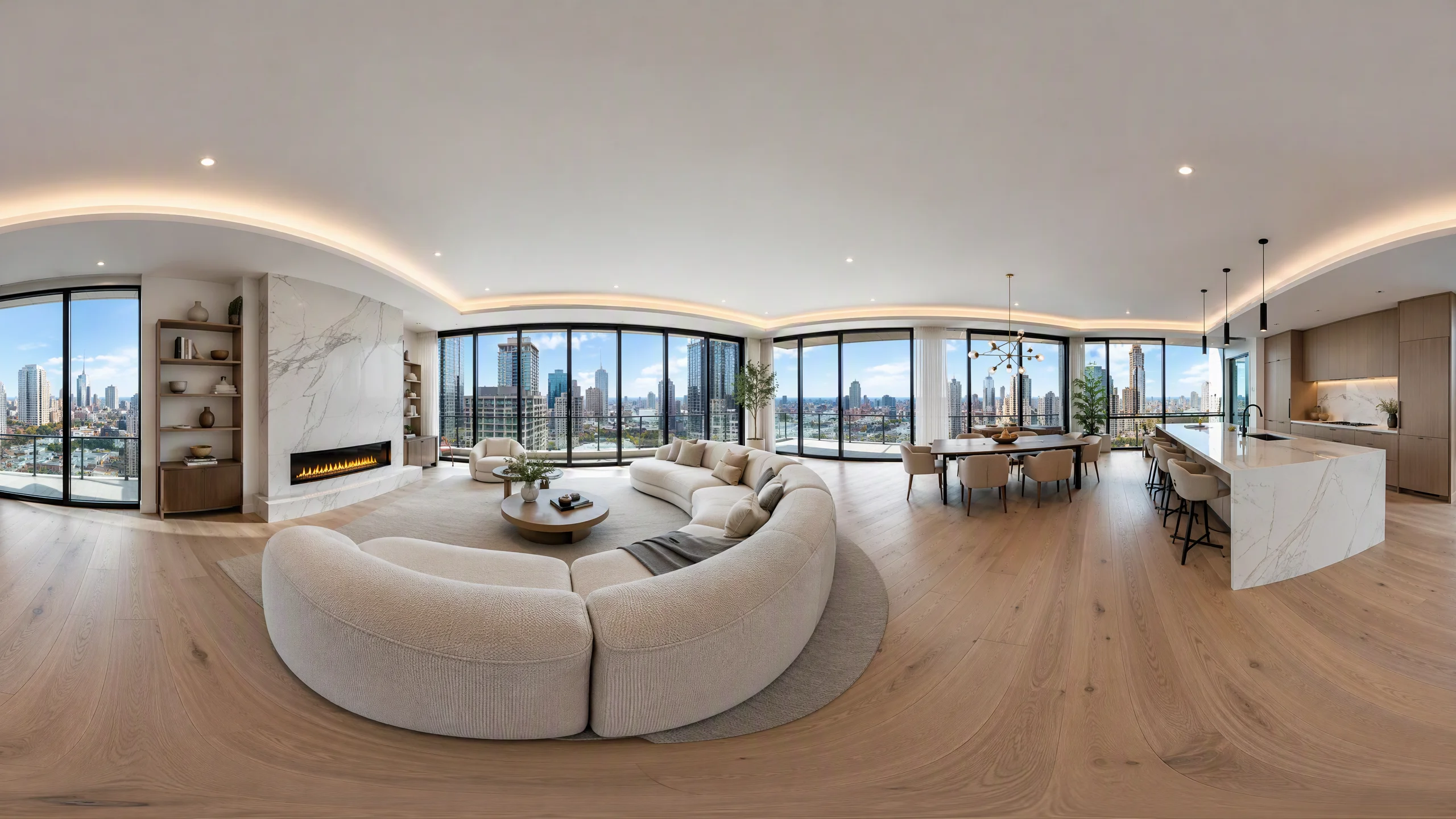
Website: EasyRoomAI Virtual Staging
Best For: Real estate agents, professional photographers, and property managers demanding strict structural accuracy and full-coverage 360° tour staging.
Pricing: Free preview test; Starter $1.99 (15 credits); Pro $19.90/mo; Premium $49.90/mo (~580+ staging generations); Ultra $99.90/mo for high-volume brokerage desks.
Why It Ranks #1:
Built from the ground up for commercial real estate marketing, EasyRoomAI solves the core failure point of generative AI through its proprietary Spatial Architecture Lock. When you upload a vacant living room or bedroom, the system maps room depth and perspective grids before rendering, ensuring that walls, ceiling light fixtures, window panes, and baseboards remain 100% untouched.
Furthermore, EasyRoomAI is the industry pioneer in AI 360° Virtual Staging (/app/360-virtual-staging). Instead of being restricted to standard flat 2D wide-angle shots, agents shooting with Ricoh Theta Z1, Insta360 X4, or Matterport Pro can upload 2:1 equirectangular panoramic images and receive seamless, spherical 360° staged interiors ready for Kuula or Matterport embeds.
Performance & Features:
- Instant Speed: Average turnaround of 8 to 12 seconds per 2K high-resolution image.
- Curated Listing Presets: Modern Minimalist, Japandi, Scandinavian, Coastal, Farmhouse, and Luxury Contemporary aesthetics aligned with current buyer demographics.
- Flooring Upgrades: Seamlessly swap dated shag carpet or scratched vinyl for herringbone white oak or travertine tile without disturbing surrounding walls (explore the Floor Staging Guide).
- Integrated Free Utilities: Pairs directly with the 360 Panorama Viewer and MLS Disclosure Generator.
Trade-off: Does not offer manual piece-by-piece 3D furniture repositioning; styling is curated automatically via preset room profiles.
2. ApplyDesign — Best for Granular Manual 3D Furniture Placement
Website: applydesign.io
Best For: Interior staging designers who require surgical control over every single piece of furniture down to the exact angle and position.
Pricing: Pay-as-you-go model at $7.00 to $10.50 per coin (roughly $7–$15 per finalized image).
Key Strengths:
ApplyDesign bridges the gap between manual 3D software (like 3ds Max) and generative AI. Users upload an empty photo, calibrate the room's floor plane and 3D camera angles, and then manually drag and drop 3D furniture assets from an extensive catalog containing over 18,000 models.
Weaknesses & Limitations:
- Time Investment: Because every chair, rug, lamp, and picture frame must be placed, rotated, and scaled by hand, finishing a single room takes 15 to 25 minutes.
- Cost Scaling: At ~$10 per photo, staging an entire 8-photo property costs $80, approaching human designer pricing without automated assistance.
- Learning Curve: Calibrating vanishing points on wide-angle camera shots requires technical practice.
3. BoxBrownie — Best for Human-Supervised Luxury Listings
Website: boxbrownie.com
Best For: Luxury million-dollar listings where high-profile sellers demand verified perfection and custom architectural alterations.
Pricing: $24.00 to $32.00 per virtually staged photo; 24 to 48-hour delivery window (rush options available for an extra fee).
Key Strengths:
BoxBrownie is the gold standard of traditional hybrid staging. Founded in 2016, every order is processed by professional CAD and graphic design specialists. Human eyes manually verify lighting direction, mirror reflections, and texture accuracy. It also offers advanced custom retouching, such as digital decluttering, day-to-dusk exterior sky replacements, and commercial landscaping renovations.
Weaknesses & Limitations:
- High Cost: Staging 6 photos costs ~$150 to $190 per listing.
- Slow Turnaround: In fast-moving seller markets, waiting 24 to 48 hours for first drafts—and another 24 hours for revision requests—is a bottleneck compared to instant AI workflows.
4. Collov AI — Best for Budget-Conscious Volume & Shoppable Furniture
Website: collov.ai
Best For: High-volume investor portfolios, single-family rental operators, and e-commerce furniture integrations.
Pricing: Starts at $16 to $19/month for entry tiers; professional subscriptions scale to $39/month (150 designs).
Key Strengths:
Collov AI delivers ultra-affordable per-image costs for volume operators. A unique selling point is its partnership with real-world furniture retailers: items rendered into staged images correspond to actual commercial SKU catalogs, allowing buyers or new homeowners to purchase physical pieces matching the listing's interior design.
Weaknesses & Limitations:
- Occasional Architectural Drift: In our benchmark tests with complex ceiling angles or open staircases, Collov occasionally modified baseboard lines and window casings.
- Commercial Luxury Polish: Finishes can appear slightly stylized or cartoonish compared to pure photorealistic engines.
5. Virtual Staging AI — Best for Single-Click Simplicity
Website: virtualstagingai.app
Best For: Solo real estate agents seeking a zero-learning-curve tool that does exactly one task with minimal configuration.
Pricing: Subscriptions range from $16/mo (6 photos) to $29/mo (standard) up to $69/mo for larger bundles.
Key Strengths:
Virtual Staging AI strips away all extraneous options. You select the room type (e.g., Living Room), choose a basic style, and click generate. Within 15 seconds, a furnished image appears. It offers unlimited re-renders for the same uploaded photo if the first layout does not satisfy your preference.
Weaknesses & Limitations:
- No Advanced Editing: Lacks manual object removal, specific architectural renovation options, or 360° panorama capability.
- Rigid Layouts: You cannot specify focal point items or customize color palettes.
6. REimagineHome — Best for Multi-Tool Photo Decluttering & Exterior Staging
Website: reimaginehome.ai
Best For: Distressed listings, occupied properties requiring heavy decluttering, and curb-appeal landscaping mockups.
Pricing: Starts at $14 to $19/month for credit-based tiers; team plans available.
Key Strengths:
Developed by Styldod, REimagineHome excels at occupied homes. If a property is full of tenant clutter, mismatched old furniture, or moving boxes, its AI masking tool can wipe out the existing items before populating the clean canvas with fresh staging. It also supports exterior yard redesigns and patio staging.
Weaknesses & Limitations:
- Interface Complexity: The dashboard packs dozens of disparate tools, making quick single-photo staging feel somewhat cluttered.
- Credit Consumption: Complex multi-step edits (declutter + restage) consume credits rapidly.
7. Styldod — Best Hybrid Agency Alternative to BoxBrownie
Website: styldod.com
Best For: Agents who want designer curation at slightly lower rates than BoxBrownie.
Pricing: $16 to $23 per photo; 24-hour turnaround with free revisions.
Key Strengths:
Styldod combines algorithmic speed with human designer touch-ups. If you want a specific architectural aesthetic (such as Mid-Century Modern with authentic vintage Herman Miller style pieces), human interior designers will hand-pick and tune the furniture to ensure luxury appeal without software artifacts.
Weaknesses & Limitations:
- Slower than real-time AI tools.
- Still charges traditional per-photo agency rates rather than software subscription economics.
8. Staging Wizard / ProntoPic — Popular Community Niche Picks
Websites: stagingwizard.com, prontopic.com
Best For: Independent photographers seeking lightweight, no-subscription pay-as-you-go staging.
Pricing: $1.50 to $3.00 per photo without monthly subscription lock-in.
Key Strengths:
Frequently highlighted in Reddit photographer discussions, these streamlined micro-tools cater to creators who only stage 1 or 2 homes per month and refuse to pay recurring $30/month subscriptions. They offer respectable speed and simple one-off downloads.
Weaknesses & Limitations:
- Smaller style libraries and rudimentary customer support.
- Limited resolution ceilings (often capped at 1080p, requiring external upscalers for print brochures).
Direct Software Feature Comparison Matrix (2026 Benchmark)
| Software Platform | Speed | Starting Price | Architecture Lock | 360° Panoramas | Declutter Feature | Best For |
|---|---|---|---|---|---|---|
| EasyRoomAI | 8–12 sec | $1.99 / $49.90 mo | Strict (100%) | Yes (2:1 Spherical) | In-development | Best all-in-one for agents & photographers |
| ApplyDesign | 15–25 min | $7–$10.50 / img | Manual 3D Grid | Limited | Manual Erase | Precision 3D drag-and-drop placement |
| BoxBrownie | 24–48 hrs | $24–$32 / img | Human Verified | Yes (Manual) | Yes (Full human) | High-stakes luxury properties |
| Collov AI | 15 sec | $16–$19 / mo | Moderate | No | Yes (AI Erase) | Budget volume & retail furniture links |
| Virtual Staging AI | 15 sec | $16–$29 / mo | Good | No | No | Quick single-click staging |
| REimagineHome | 15–30 sec | $14–$19 / mo | Good | No | Yes (Advanced) | Heavy clutter removal & occupied homes |
| Styldod | 24 hrs | $16–$23 / img | Human Verified | Yes (Manual) | Yes | Hands-off human-assisted staging |
| Staging Wizard | 20 sec | $1.50–$3 / img | Moderate | No | Basic | Pay-per-image occasional testing |
How to Stage a Listing in 5 Steps (The Professional Realtor Workflow)
To maximize buyer conversion while insulating your business from MLS compliance issues, follow this battle-tested 5-step operational workflow:
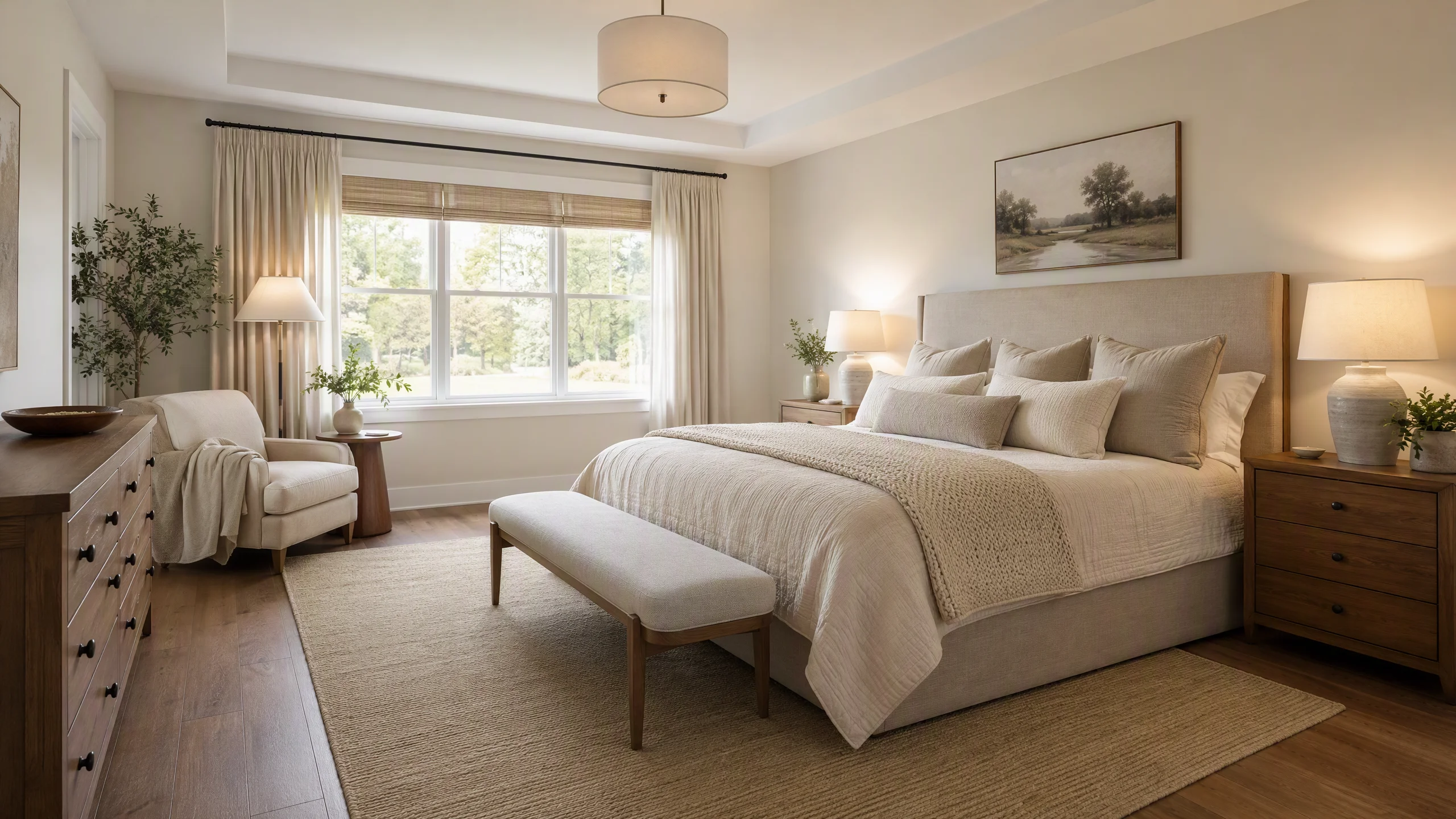
Step 1: Capture the Vacant Room at Proper Eye Level
- Lens Selection: Use a full-frame 24mm to 35mm wide-angle lens. Avoid ultra-wide fisheye lenses (<16mm) that bend wall perimeters into unnatural curves.
- Camera Height: Position your tripod at 48 to 54 inches (chest/eye level). Shooting too high makes ceilings feel claustrophobic; shooting too low foreshortens the floor.
- Lighting: Open all blinds, turn on warm interior accent lights, and expose for balanced natural daylight.
Step 2: Upload to an Architecture-Locked Staging Engine
Open EasyRoomAI Virtual Staging and upload your clean original photo. Select the room category (e.g., Living Room, Primary Suite, Outdoor Patio).
Step 3: Align Staging Style with Local Neighborhood Demographics
Do not pick styles at random. Match the virtual furniture to the home's most probable buyer persona:
- Urban Condos & Lofts: Warm Minimalism, Japandi, Industrial Modern.
- Suburban Family Homes: Modern Farmhouse, Transitional, Organic Modern.
- Coastal & Vacation Properties: Coastal Contemporary, Mediterranean, Bright Scandinavian.
Step 4: Perform the 3-Point Realism Inspection
Before downloading your high-resolution render, inspect these three critical areas:
- Window Transparency: Can you still see the backyard trees or neighborhood street through the glass, or did the AI replace the view with a fictional forest?
- Floor Contact: Do chairs and sofa legs touch the hardwood naturally, with subtle ambient occlusion shadows underneath?
- Walkway Clearance: Is there at least 3 feet of functional clearance between coffee tables, TV consoles, and doorways?
Step 5: Generate MLS Disclosures and Publish
Never upload an unlabelled virtually staged image directly to MLS, Zillow, or Realtor.com.
- Use our MLS Disclosure Generator to produce compliant captions and corner watermarks (e.g., "Virtually Staged — Room dimensions and architectural features are unaltered").
- In your listing photo carousel, always place the original vacant photo immediately following the virtually staged image.
Frequently Asked Questions (FAQ)
What is the best virtual staging software in 2026?
For the best balance of speed, strict architectural fidelity, and modern features like 360° panoramic staging, EasyRoomAI Virtual Staging is the top-rated software. For manual 3D furniture placement, ApplyDesign leads the category, while BoxBrownie remains the top choice for human-supervised luxury editing.
How much does virtual staging software cost?
Software costs range from $0.13 to $1.50 per photo on modern AI platforms like EasyRoomAI (with accessible tiers from $1.99 to $49.90/mo). Manual drag-and-drop 3D tools cost $7 to $10.50 per image, while traditional human agency services like BoxBrownie charge $24 to $32 per photo. Physical home staging costs between $2,000 and $5,000 for a standard 3-month rental.
Can real estate photographers legally resell AI virtual staging?
Yes. Professional software like EasyRoomAI grants full commercial usage rights on all rendered images. Real estate photographers routinely purchase AI generations for under $1.00 and upsell virtually staged packages to listing realtors for $30 to $50 per photo, creating a high-margin add-on service.
Is virtual staging legal on the MLS and Zillow?
Yes, provided that the staging is properly disclosed. The NAR Code of Ethics and state regulations (such as California AB 723) require agents to disclose that photos have been digitally furnished (typically via a visible "Virtually Staged" overlay) and include the original vacant photo in the listing presentation. Altering permanent physical defects (such as water damage, power lines, or structural cracks) is strictly prohibited.
What is 360° virtual staging and why does it matter?
Traditional virtual staging is restricted to 2D flat photographs. 360° virtual staging processes 2:1 equirectangular spherical panoramas taken by cameras like the Ricoh Theta Z1 or Insta360 X4, digitally furnishing the entire 360-degree environment. This enables agents to host interactive, fully furnished 3D virtual walkthroughs on Matterport and Kuula at a fraction of physical staging costs.
Take Your Listing Presentation to the Next Level
An empty room invites lowball offers; an artfully staged room sparks emotional bidding wars. With modern AI virtual staging software, real estate professionals no longer have to compromise between days of waiting or thousands of dollars in rental furniture.
Upload your first vacant room photo to EasyRoomAI Virtual Staging right now, test your favorite interior styles in seconds, and see how easy it is to elevate your real estate marketing in 2026.
Ready to Stage a Listing?
Upload a vacant room photo and generate listing-ready furniture — sign in with credits to generate.
Stage a ListingRelated reading
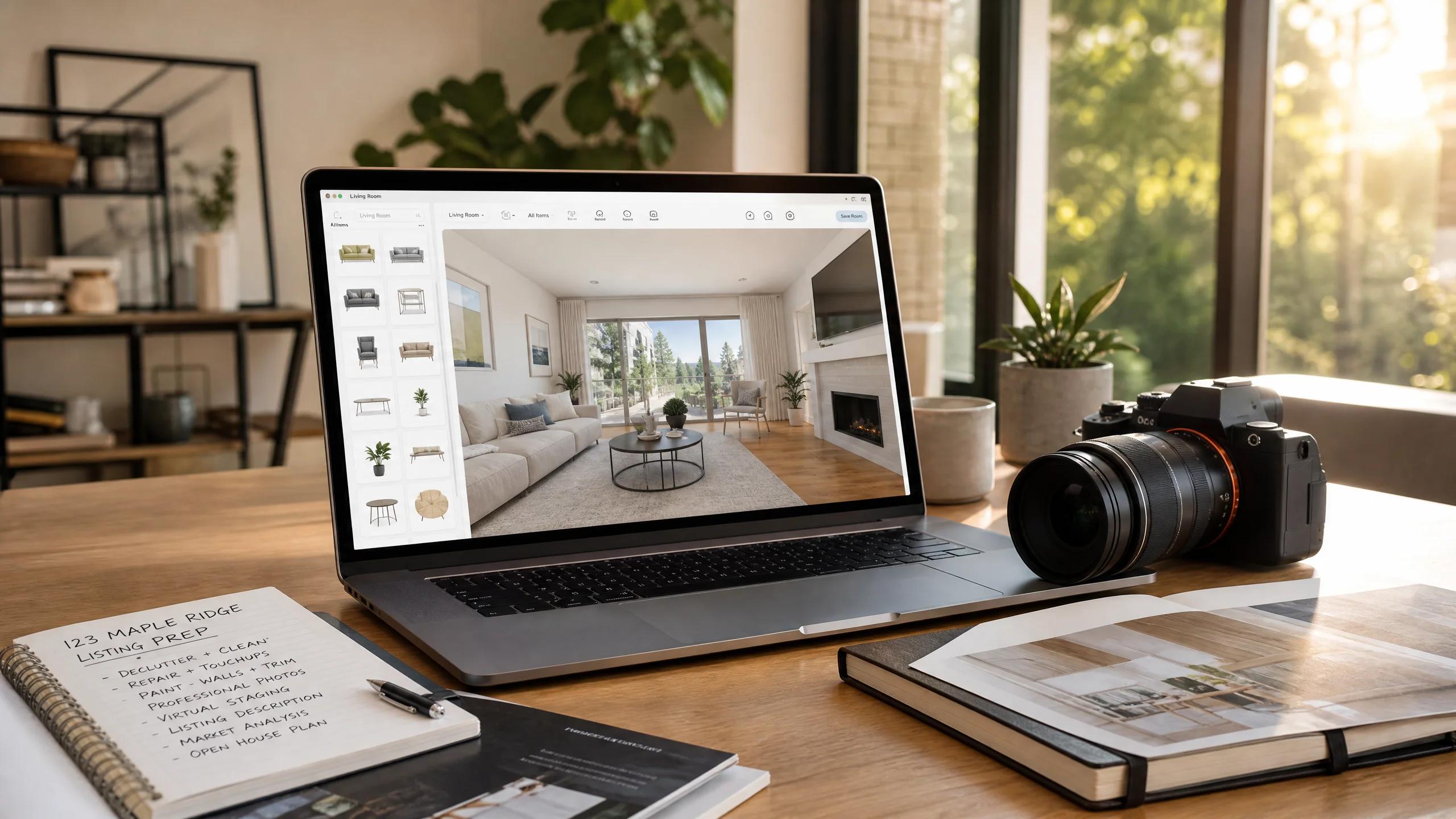
DIY Virtual Staging Software: How to Stage Listings Yourself in 2026 (Tools, Costs & Step-by-Step Guide)
Stop paying $24–$35 per photo to outsourcing agencies. Compare the top DIY virtual staging software in 2026, master the 5-step realtor staging workflow, and avoid costly MLS disclosure and perspective mistakes.
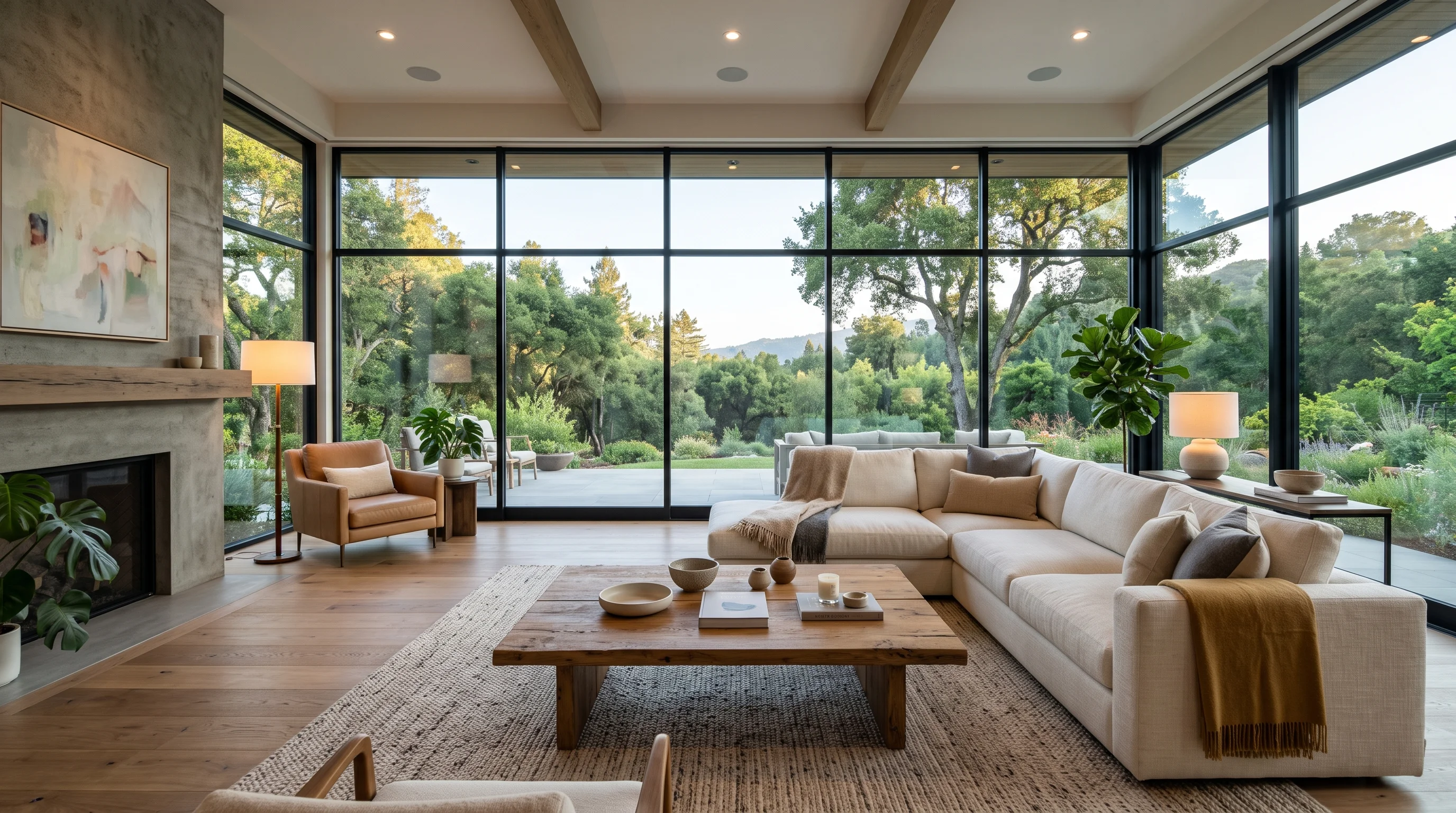
360 Virtual Staging: Complete Real Estate Guide (2026)
Master 360 virtual staging for real estate in 2026 — camera setups, AI panoramic furnishing, seamless 2:1 exports to Matterport & Kuula, and MLS compliance.
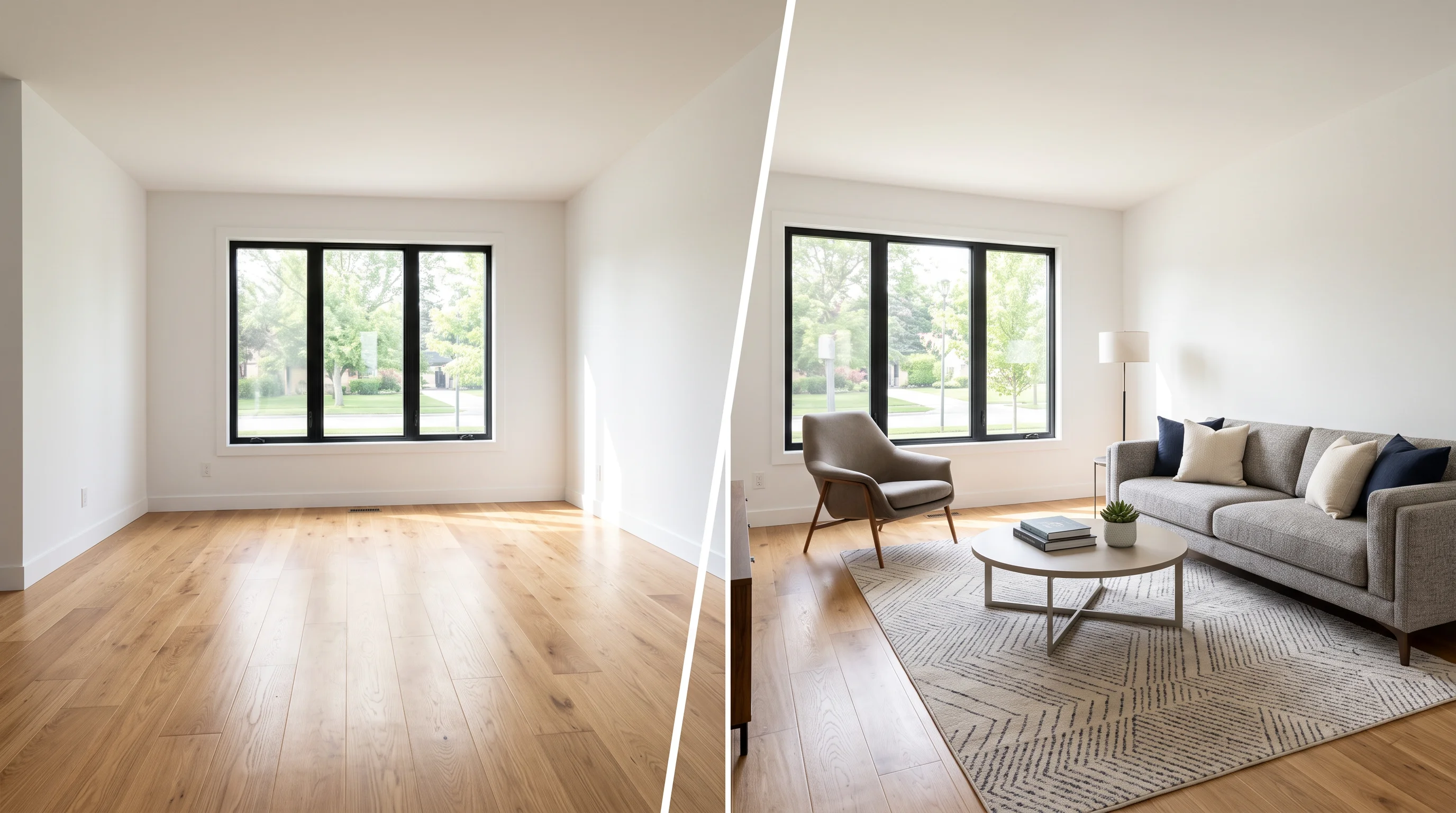
Virtual Staging: The Complete Guide for Real Estate Agents (2026)
Everything agents need to know about virtual staging in 2026 — how AI staging works, what it costs, which rooms to stage first, MLS disclosure rules, and how to avoid the mistakes that kill buyer trust.