10 Best Free AI Interior Design Apps in 2026
You can preview a full room redesign in 2026 without paying a cent — if you know which free tiers are genuinely usable. We compared the 10 best free AI interior design apps on credits, signup walls, watermarks, and output quality, so you know exactly what free gets you and when it's worth upgrading.
 Easy Room AI Team
"Free AI interior design" is one of the most-searched phrases in this category — and one of the most misleading. Nearly every tool advertises a free tier, but what "free" actually buys ranges from a genuinely useful daily allowance to a single watermarked render behind an email wall.
We compared the leading tools on what their free tiers really include in 2026: how many generations you get, whether you have to sign up first, what's watermarked, and where the quality ceiling sits. This guide covers the 10 best free AI interior design apps — and is honest about the limits of each.
In this guide you will learn:
- What "free" really means in AI design apps (credits, watermarks, signup walls)
- The 10 best free apps at a glance
- Which free tiers work without an account
- Mobile apps vs web tools
- When upgrading actually makes sense
We build one of the tools on this list (EasyRoomAI), so this is a criteria-led comparison — including where other free tiers are more generous than ours.
What "free" really means in AI design apps
Before the list, know what to check — the free tier fine print varies more than the marketing suggests:
- Credits vs unlimited. Most tools meter free use with credits — either a one-time starter pack (spend it and you're done) or a daily allowance that refreshes. Daily allowances are better for ongoing projects.
- Signup walls. Some tools let you generate before creating an account; others gate even the first render behind email signup. If you're just testing, no-signup tools respect your time (and inbox) more.
- Watermarks and resolution caps. Free renders often carry a watermark or export at lower resolution — fine for deciding on a direction, limiting for sharing or listing photos.
- Feature gates. Free tiers typically include the core redesign but lock style variety, high-quality modes, or editing tools behind paid plans.
The takeaway: judge a free tier by four things — how many generations, whether signup is forced, what the output looks like, and which features are locked — not by the word "free" on the pricing page.
The 10 best free AI interior design apps at a glance
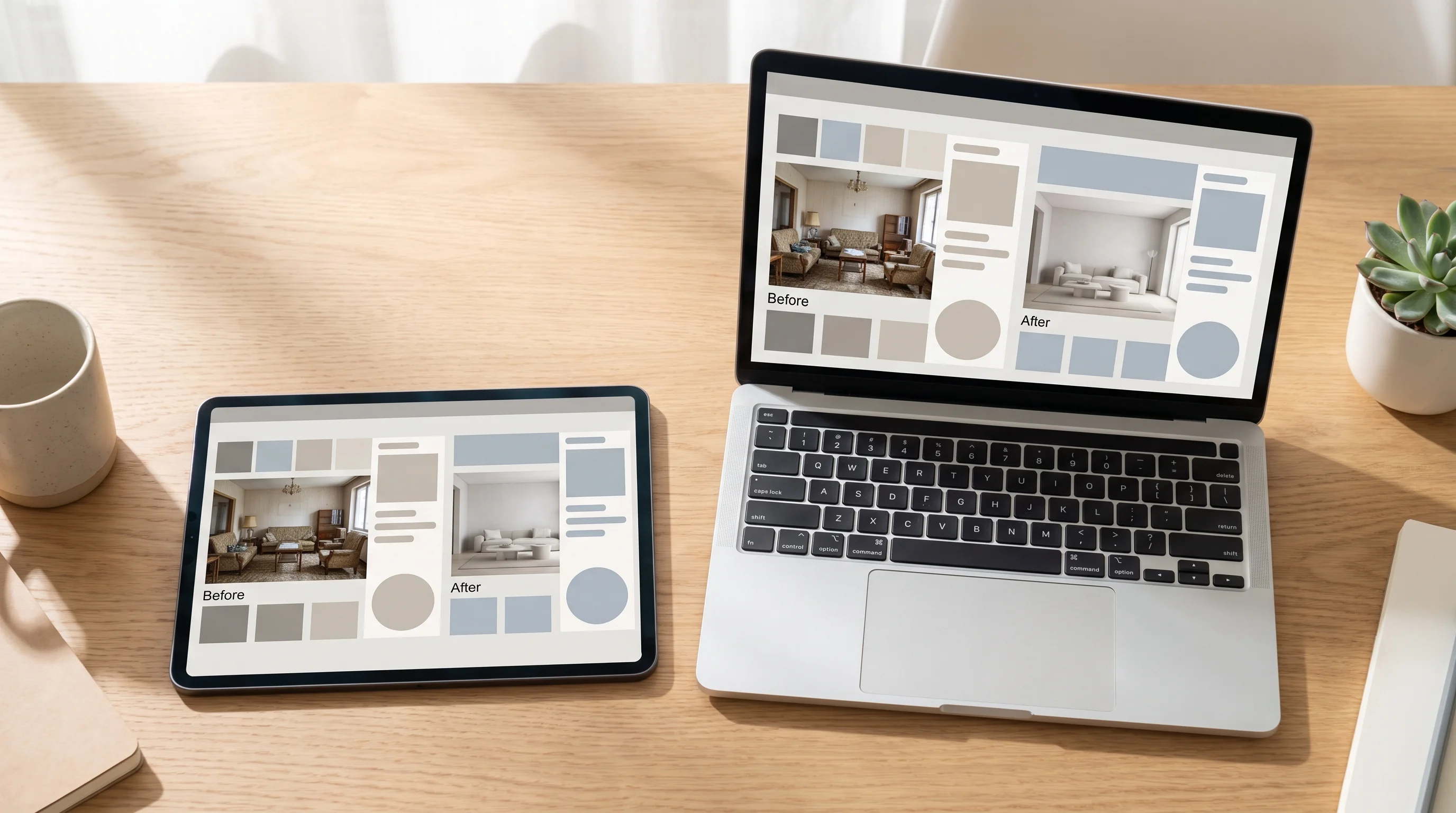
| App | Free tier | Signup required? | Best for |
|---|---|---|---|
| EasyRoomAI | Free anonymous previews | No | Testing a real redesign instantly |
| RoomsGPT | Free daily credits | No | Ongoing free use + side tools |
| Paintit.ai | 30 starter credits | Yes | Shop-the-look with buy links |
| Homedesigns.ai | Daily free credits | Yes | Style and material variety |
| RoomGPT | Limited free renders | Yes | A quick first taste |
| ideal.house | Free LITE tier | Yes | Floor plans + 3D planning |
| IKEA Kreativ | Fully free | IKEA account | Furnishing with real IKEA items |
| Planner 5D | Free basic tier | Yes | DIY 2D/3D floor planning |
| DecorMatters | Free tier (mobile) | Yes | AR furniture preview on iPhone |
| Houzz | Free in Houzz app | Yes | Previewing real products in AR |
Redesign Your Room in Seconds
Upload a photo of your space to test 16 curated design styles instantly with AI — 100% free.
Supports JPG, PNG, WebP up to 10MB
1. EasyRoomAI — free anonymous previews, no signup
We'll be upfront: this is our tool, and we designed the free tier around the thing people hate most — signup walls. Upload a photo, pick a style, and get a photorealistic redesign of your actual room without creating an account. Free previews are anonymous and watermarked; the layout of your room stays intact so the result is realistic enough to act on.
- Free tier: anonymous previews, no email required.
- Limits: watermark on free renders; a curated 16-style list rather than dozens.
- Upgrade: a flat monthly subscription (see our pricing) rather than credit packs that run out mid-project.
Try it free — if it takes more than a minute to see your room restyled, we've failed.
2. RoomsGPT — the most generous ongoing free tier
RoomsGPT offers free daily credits without signup, plus a wall of free side tools — room planners, paint calculators, and color pickers. For a slow-burn project where you generate a few options every evening, the refreshing daily allowance is the most usable free tier in the category.
- Free tier: free credits refreshed daily, no signup to start.
- Limits: breadth over depth — many tools, none deeply specialized; paid plans unlock more generations and quality.
See how it compares in EasyRoomAI vs RoomsGPT.
3. Paintit.ai — 30 starter credits with shopping links
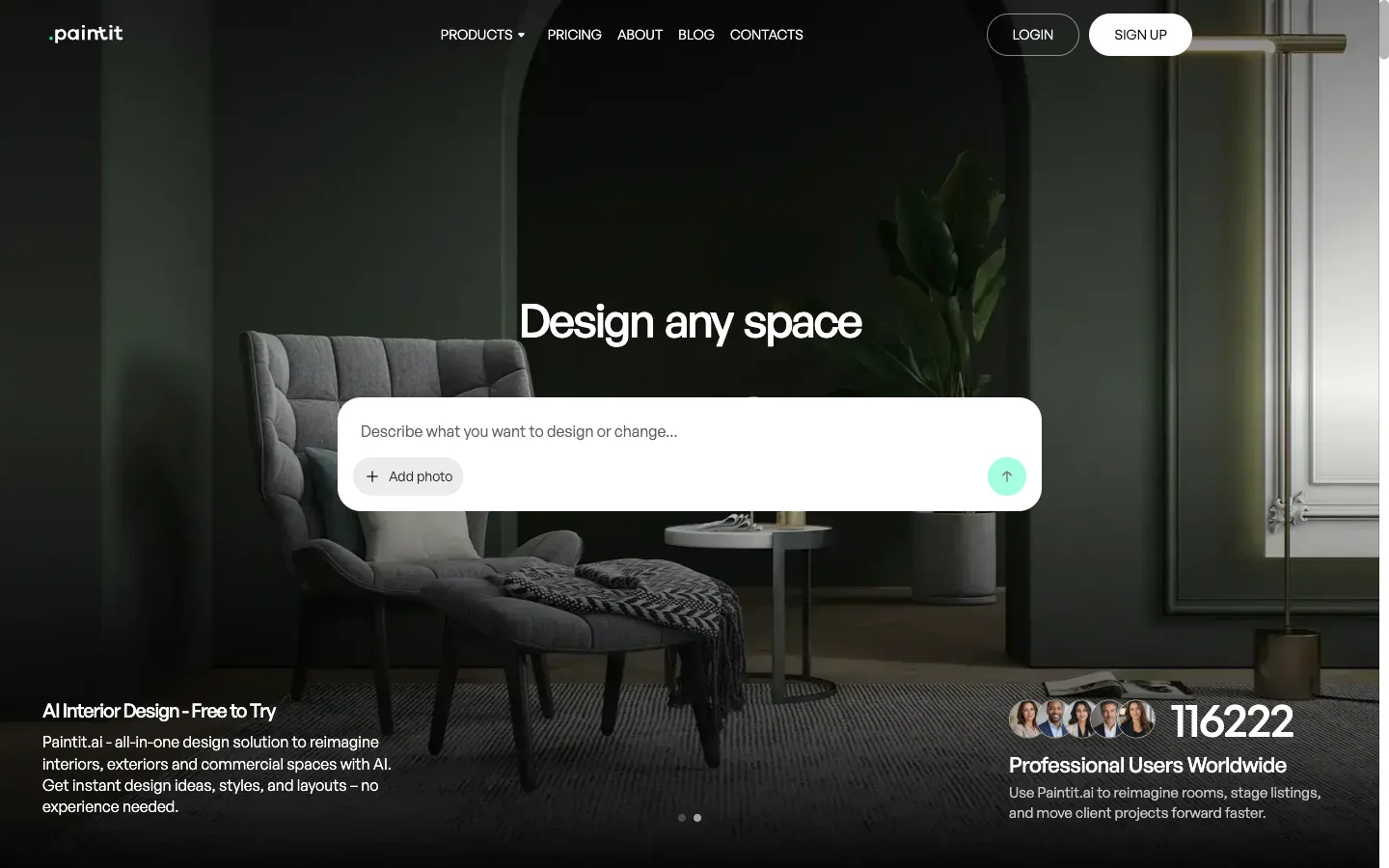
Paintit.ai gives new accounts 30 free credits, enough for a genuine test drive. Its signature feature — identifying items in your render and linking to real products on Amazon and IKEA — works on the free tier, which makes it the best free pick if your end goal is buying furniture.
- Free tier: 30 credits at 1K resolution with the basic model, after signup.
- Limits: signup required before any render; watermark-free exports and higher quality are paid.
Full comparison in EasyRoomAI vs Paintit.ai.
4. Homedesigns.ai — daily credits with the deepest style library
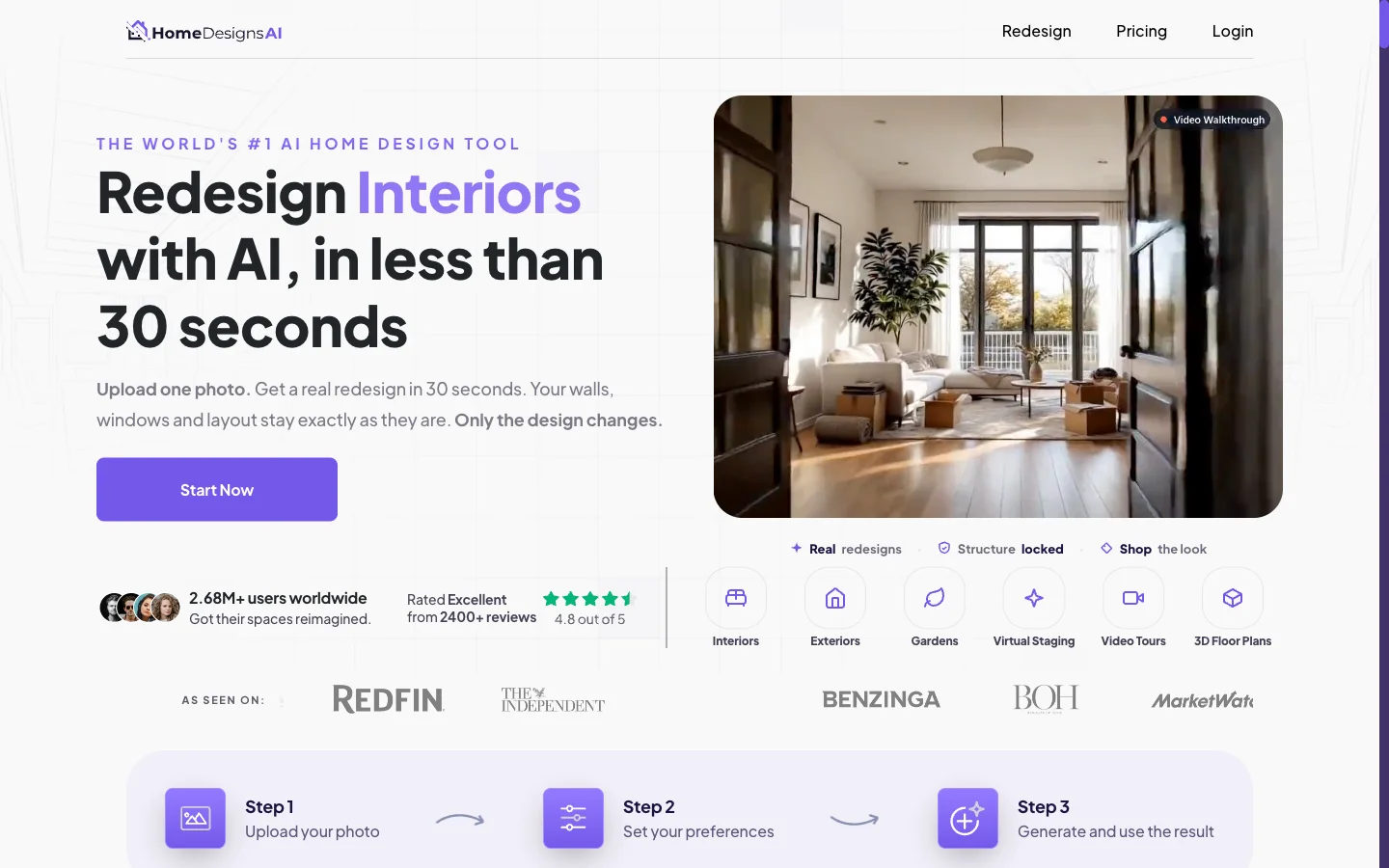
Homedesigns.ai pairs a daily free allowance with one of the largest style and material libraries in the category (80+ styles), plus an "AI intervention" slider controlling how far the redesign strays from your original room.
- Free tier: daily free credits after signup.
- Limits: the most powerful modes and batch tools sit in paid tiers.
Details in EasyRoomAI vs Homedesigns.ai.
5. RoomGPT — a quick free taste of the category

RoomGPT is many people's first AI room tool: upload, pick a theme, get a result. The free tier is limited — a small number of renders after signup — but the simplicity makes it a low-effort way to understand what AI redesign does.
- Free tier: limited free renders after signup.
- Limits: few controls or styles; credit packs after the free allowance.
Compare in EasyRoomAI vs RoomGPT.
6. ideal.house — free LITE tier for layout planning

ideal.house bundles many home-design tools — including floor-plan and 3D model generators — with a free LITE tier. If your project involves rethinking the layout rather than just restyling finishes, it's the free planning pick.
- Free tier: LITE tier with basic access to its tool suite.
- Limits: individual tools are broad rather than deeply tuned; heavier use requires paid tiers.
See EasyRoomAI vs ideal.house.
7. IKEA Kreativ — fully free, furnished with real IKEA products
The one genuinely no-strings free tool on this list. IKEA Kreativ, built into the IKEA app and website, scans your room into an editable 3D replica, lets you erase existing furniture, and places real IKEA products at accurate scale. IKEA's business model is selling you the furniture — so the design tool itself is completely free.
- Free tier: everything — scanning, designing, virtual showrooms.
- Limits: the catalog is IKEA-only, and it's a furnishing tool rather than a style-transformation tool (it won't repaint your cabinets or reimagine the room's look).
8. Planner 5D — free 2D/3D floor planning
Planner 5D is a classic DIY floor planner with a free basic tier: draw your room in 2D, flip to 3D, and furnish from a starter catalog. It's design-from-scratch rather than photo-restyling, which makes it a complement to the AI tools above rather than a substitute.
- Free tier: unlimited basic projects with a starter catalog.
- Limits: free renders are low-resolution and watermarked, and most of the big furniture catalog sits behind the premium tier.
9. DecorMatters — free AR preview on mobile
DecorMatters is a mobile-first app with a free tier focused on AR: place individual real furniture products into your room through your phone camera, and browse a large community of user-created designs for inspiration.
- Free tier: AR product placement and community features.
- Limits: it doesn't auto-generate whole-room redesigns — you arrange items manually — and deeper features are subscription-gated.
10. Houzz — free "View in My Room" AR
Houzz's free app includes View in My Room, which projects real, purchasable products into your space via AR. Paired with Houzz's enormous photo library for inspiration, it's a strong free companion for the shopping end of a project.
- Free tier: AR preview and browsing, free within the Houzz app.
- Limits: single-product preview rather than full-room AI redesign.
Mobile apps vs web tools
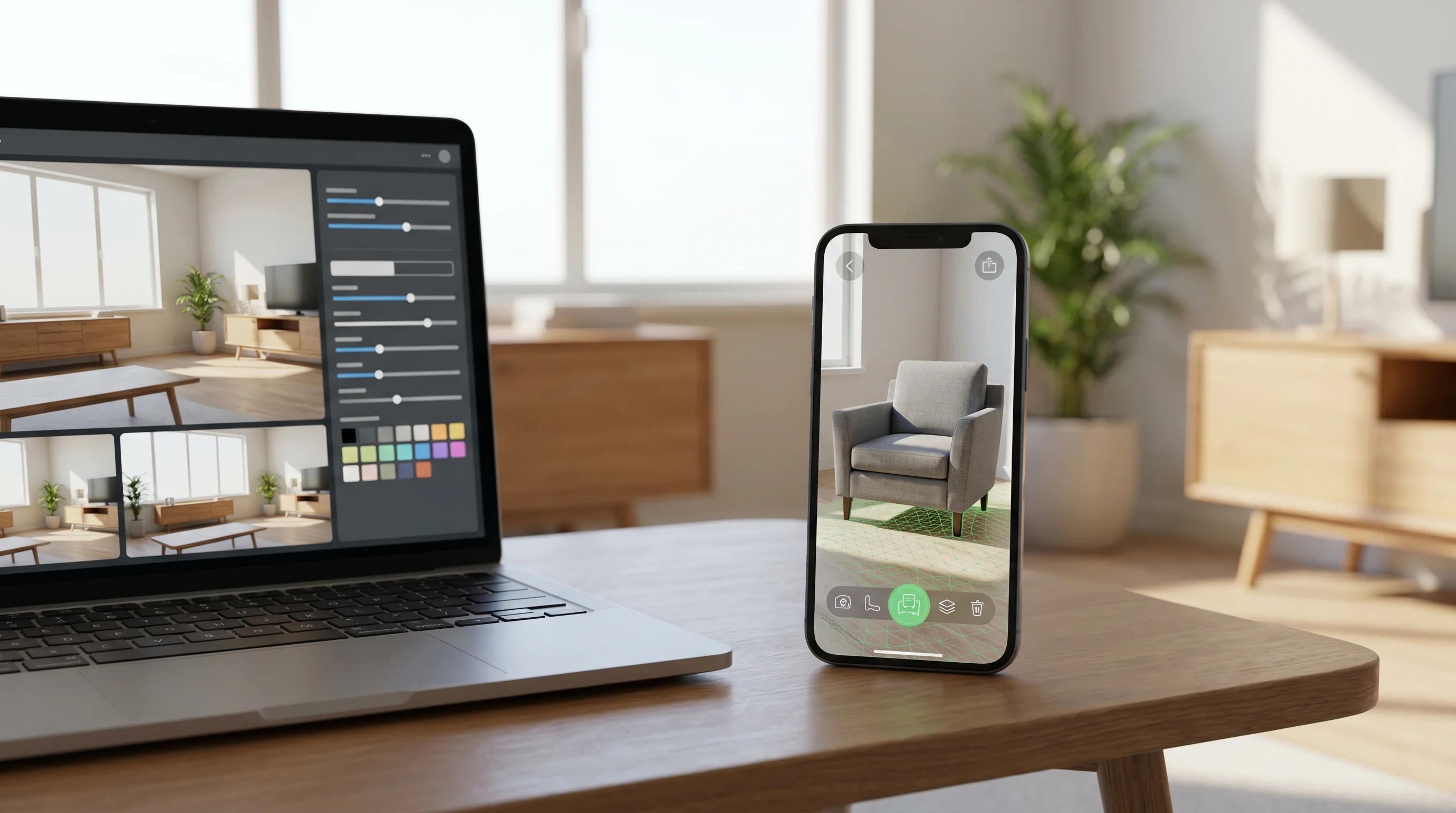
The free landscape splits cleanly by platform:
- Web tools (EasyRoomAI, RoomsGPT, Paintit.ai, Homedesigns.ai, RoomGPT, ideal.house, Planner 5D) do full-room AI redesigns — upload a photo, get the whole room restyled. Bigger screens also make before/after comparison easier.
- Mobile apps (IKEA Kreativ, DecorMatters, Houzz) lean on the phone's camera for AR — strongest for previewing specific products in your actual space, weaker for reimagining the whole room's style.
The practical combo: use a web tool to decide the room's direction, then a free AR app to check that a specific sofa or lamp fits before buying.
The takeaway: web tools answer "what should this room become?" while mobile AR apps answer "will this exact product work here?" — the best free workflow uses one of each.
When upgrading actually makes sense
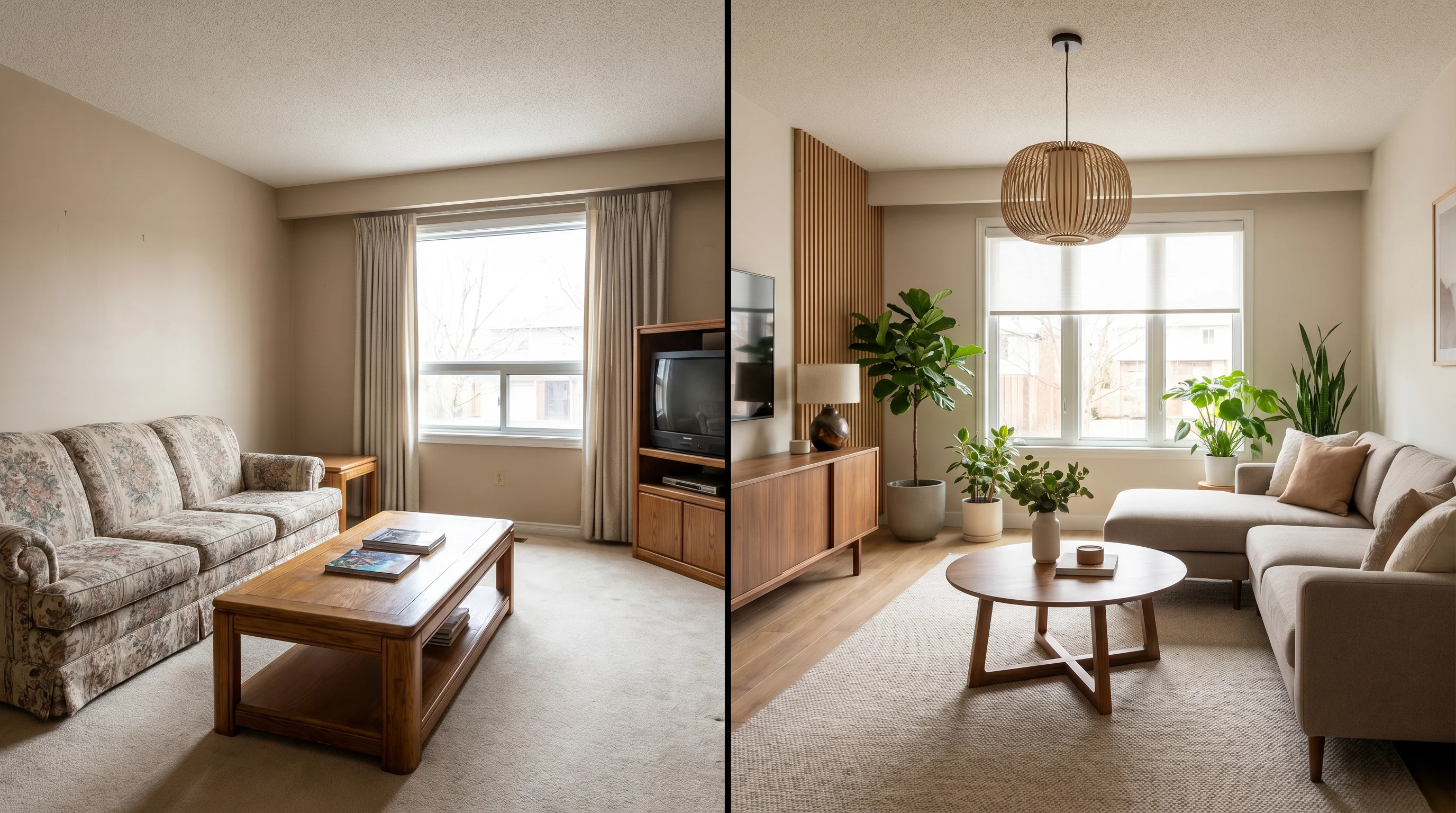
Free tiers genuinely cover the deciding phase: testing whether AI redesign works on your room and narrowing down a direction. Upgrade when you hit one of these walls:
- You need watermark-free, high-resolution output — for sharing with a contractor, partner, or listing.
- You're generating in volume — comparing five styles across four rooms burns through starter credits fast.
- You need a locked feature — precise editing, batch styles, or commercial usage rights.
Worth noting: some well-known tools skip free tiers entirely — Interior AI, for example, is subscription-only. And when you do compare paid plans, look at the model: daily-credit tools suit slow browsing, credit packs suit one-off projects, and flat subscriptions (our model — see pricing) suit finishing a whole home without counting renders.
The takeaway: stay free while you're deciding, and pay only when you hit a real wall — watermarks, volume, or a locked feature you actually need.
Try the no-signup option first
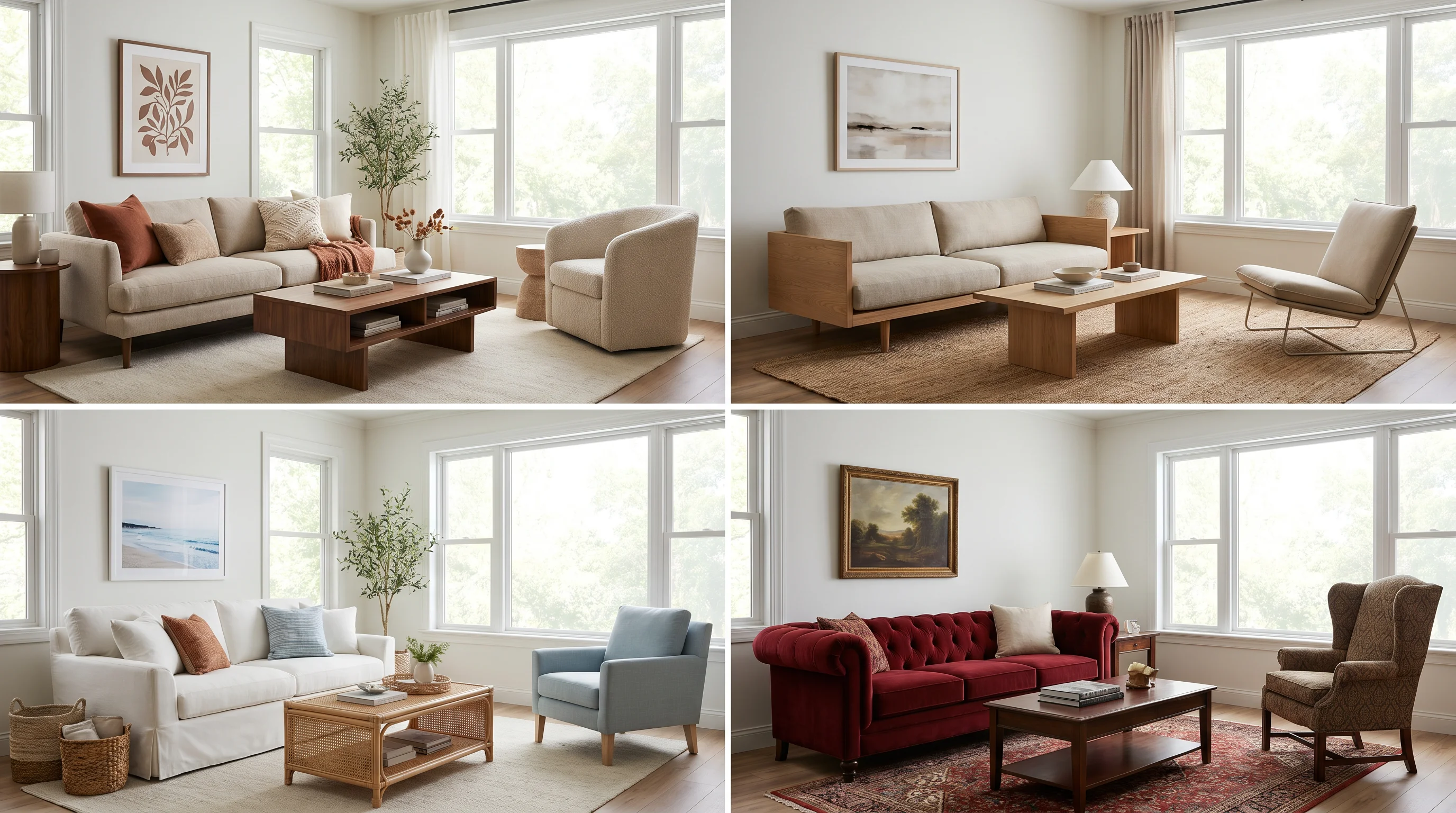
The fastest way to compare free tiers is to start with one that doesn't ask for your email. Upload a photo to EasyRoomAI and get a free redesign of your actual room in under a minute — then test the other free tiers on this list against it with the same photo.
- Redesign your room free — anonymous, no signup.
- For the full paid-and-free landscape, see our best AI interior design tools guide, or the room-specific best AI kitchen design tools.
Frequently asked questions
What is the best free AI interior design app in 2026? It depends on what "free" needs to do for you. For instant no-signup redesigns of your actual room, EasyRoomAI offers free anonymous previews. For an ongoing free allowance, RoomsGPT's daily credits are the most generous. For furnishing with real products at zero cost, IKEA Kreativ is completely free. Test two or three with the same room photo — the free tiers make comparison itself free.
Are free AI interior design apps actually free? The core function usually is, with limits: metered credits (one-time or daily), watermarked or lower-resolution output, and locked premium features. A few — like IKEA Kreativ — are fully free because the business model is selling furniture, not software. The main cost of "free" elsewhere is usually your email address and a nudge toward paid tiers.
Can I use AI room design without signing up? Yes. EasyRoomAI generates free anonymous previews with no account, and RoomsGPT lets you start with free daily credits before registering. Most other tools — including Paintit.ai, RoomGPT, and Homedesigns.ai — require signup before the first render.
Do free AI design apps put watermarks on images? Many do — including ours on anonymous previews. Watermarks on free tiers are the standard trade-off for unlimited-ish testing, and they don't get in the way of judging a design direction. If you need clean exports for a listing, a contractor, or a client, that's typically the first paid feature worth buying.
Is there a free AI app that redesigns a room from a photo? Yes — that's exactly what the web tools on this list do. Upload a photo of your real room and tools like EasyRoomAI, RoomsGPT, or Paintit.ai restyle it while keeping the layout, so you preview your own space in new styles rather than browsing stock interiors. Mobile AR apps like IKEA Kreativ work differently: they place real products into your room rather than transforming its whole style.
Free tiers in 2026 are genuinely good enough to decide with — you can test a redesign, compare directions, and even furnish a plan without spending anything. Start with the no-signup options, run the same photo through two or three apps, and only pay when you hit a wall that matters. Your room (and your inbox) will thank you.
Ready to Transform Your Space?
Try AI room redesign for free - no credit card required.
Start Designing FreeRelated reading
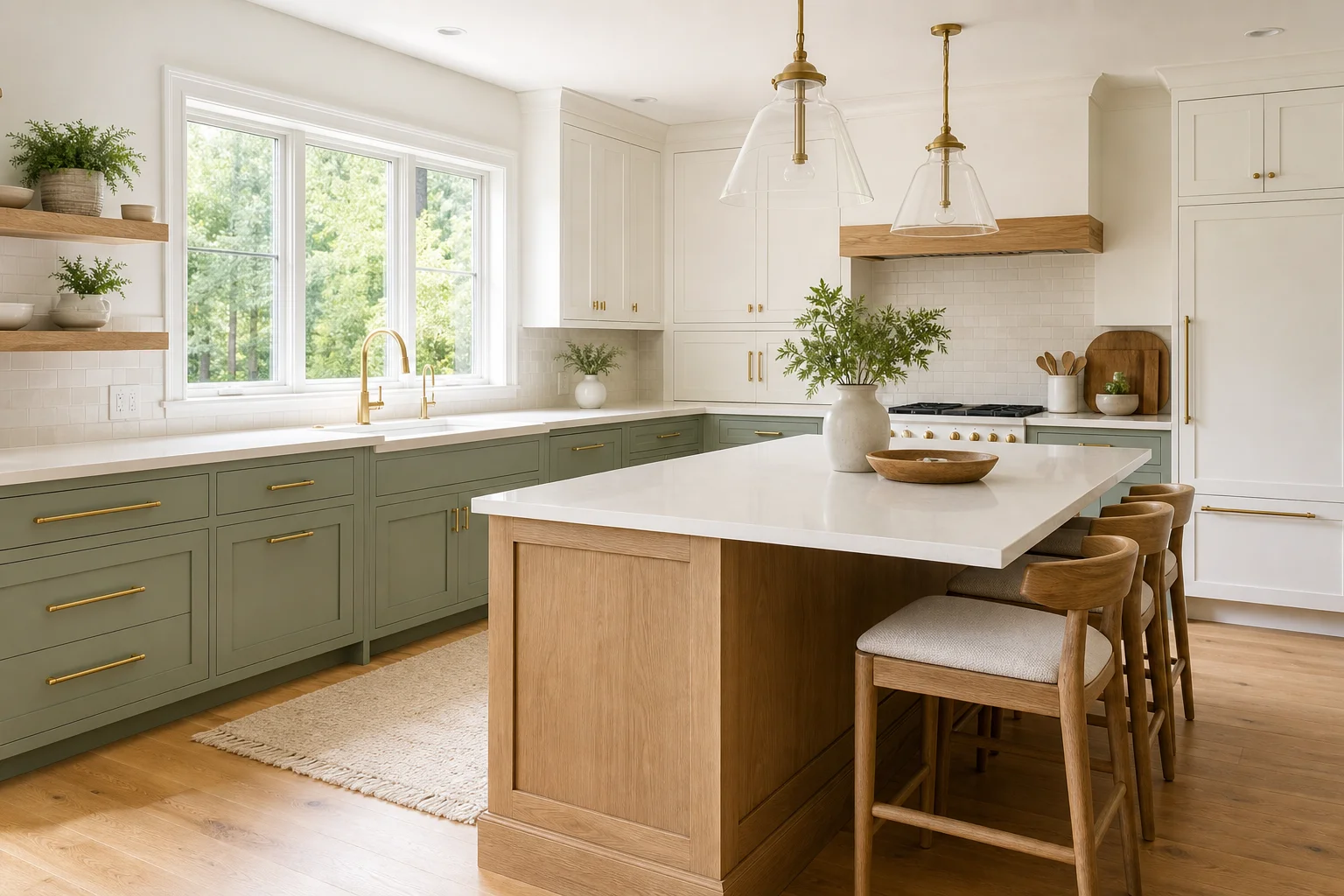
7 Best AI Kitchen Design Tools in 2026 (Tested and Compared)
A kitchen remodel is a five-figure decision, and the costliest mistake is choosing wrong. We compared the 7 best AI kitchen design tools of 2026 on cabinet color previews, layout retention, realism, and price — so you can see the finished kitchen before you commit.
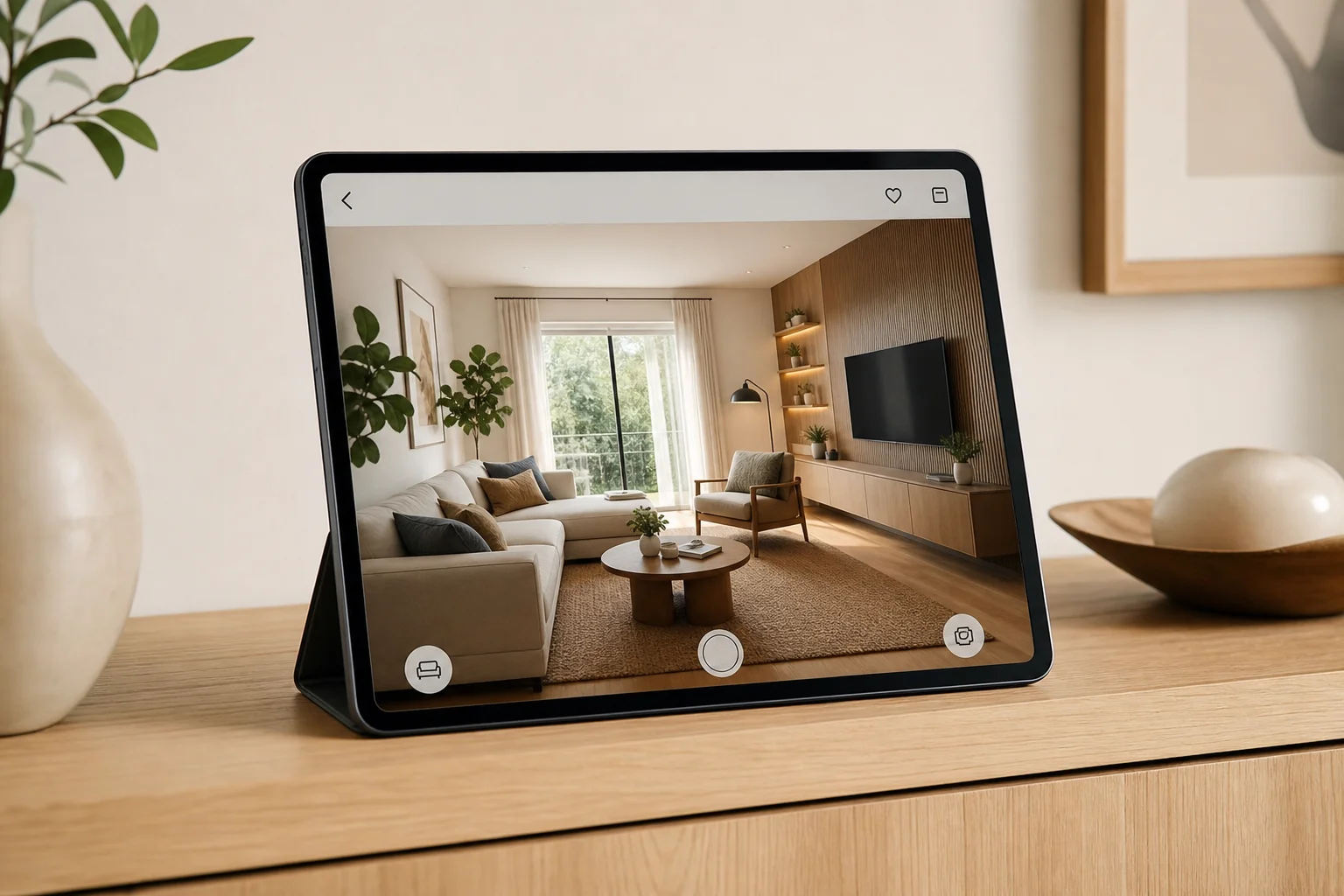
Best AI Interior Design Tools in 2026 (Tested and Compared)
We compared the top AI interior design tools of 2026 on realism, ease, speed, and price. Here's the honest breakdown of which one is best for homeowners, renters, designers, and real estate — and how to get great results from any of them.
DIY Virtual Staging Software: How to Stage Listings Yourself in 2026 (Tools, Costs & Step-by-Step Guide)
Stop paying $24–$35 per photo to outsourcing agencies. Compare the top DIY virtual staging software in 2026, master the 5-step realtor staging workflow, and avoid costly MLS disclosure and perspective mistakes.