360 Virtual Staging: Complete Real Estate Guide (2026)
Master 360 virtual staging for real estate in 2026 — camera setups, AI panoramic furnishing, seamless 2:1 exports to Matterport & Kuula, and MLS compliance.
 Easy Room AI Team
Vacant rooms photograph cold, flat, and noticeably smaller than they actually are. In traditional 2D listing photos, virtual staging has already become standard practice for high-producing agents. But when buyers click into an interactive virtual tour and find bare walls, empty floors, and echoey echo-chambers, the illusion collapses.
Enter 360 virtual staging.
In 2026, 360 virtual staging enables real estate professionals, photographers, and property managers to furnish full $360^\circ \times 180^\circ$ panoramic spheres. Instead of viewing a single staged corner, prospective buyers can look around, pan across ceilings, explore spatial clearances, and walk through move-in-ready living spaces directly inside Matterport, Kuula, CloudPano, or Zillow 3D Home.
What used to require $48 to $60 per panorama and 48 hours of manual 3D modeling from offshore editing teams now happens in under 30 seconds with spatial AI.
This guide provides a comprehensive blueprint for 360 virtual staging in 2026: the financial ROI and market data, essential camera hardware, step-by-step staging workflows, seamless integration with major tour platforms, and strict MLS compliance rules.
Quick Answer (For Busy Agents & Photographers)
360 virtual staging takes a 2:1 equirectangular spherical photo captured by a 360 camera (such as a Ricoh Theta Z1 or Insta360 X4) and digitally places realistic 3D furniture throughout the spherical room while preserving original walls, windows, and flooring.
Per 360iResearch and Instant Interior AI's 2026 market benchmarks, listings featuring 360 virtual tours and staging generate 90% more online engagement and sell 73% to 75% faster than unstaged listings.
With dedicated AI engines like EasyRoomAI 360 Virtual Staging, staging costs just 15 credits (~$1.99) per 2K panorama, slashing traditional $48–$60 manual fees by over 95%. You can preview raw or staged panoramas for free anytime on our 360 Panorama Viewer.
Try it on your listing: Stage a 360 Panorama Room · Free 360 Before/After Viewer
Why 360 Virtual Staging Works: The 2026 Data
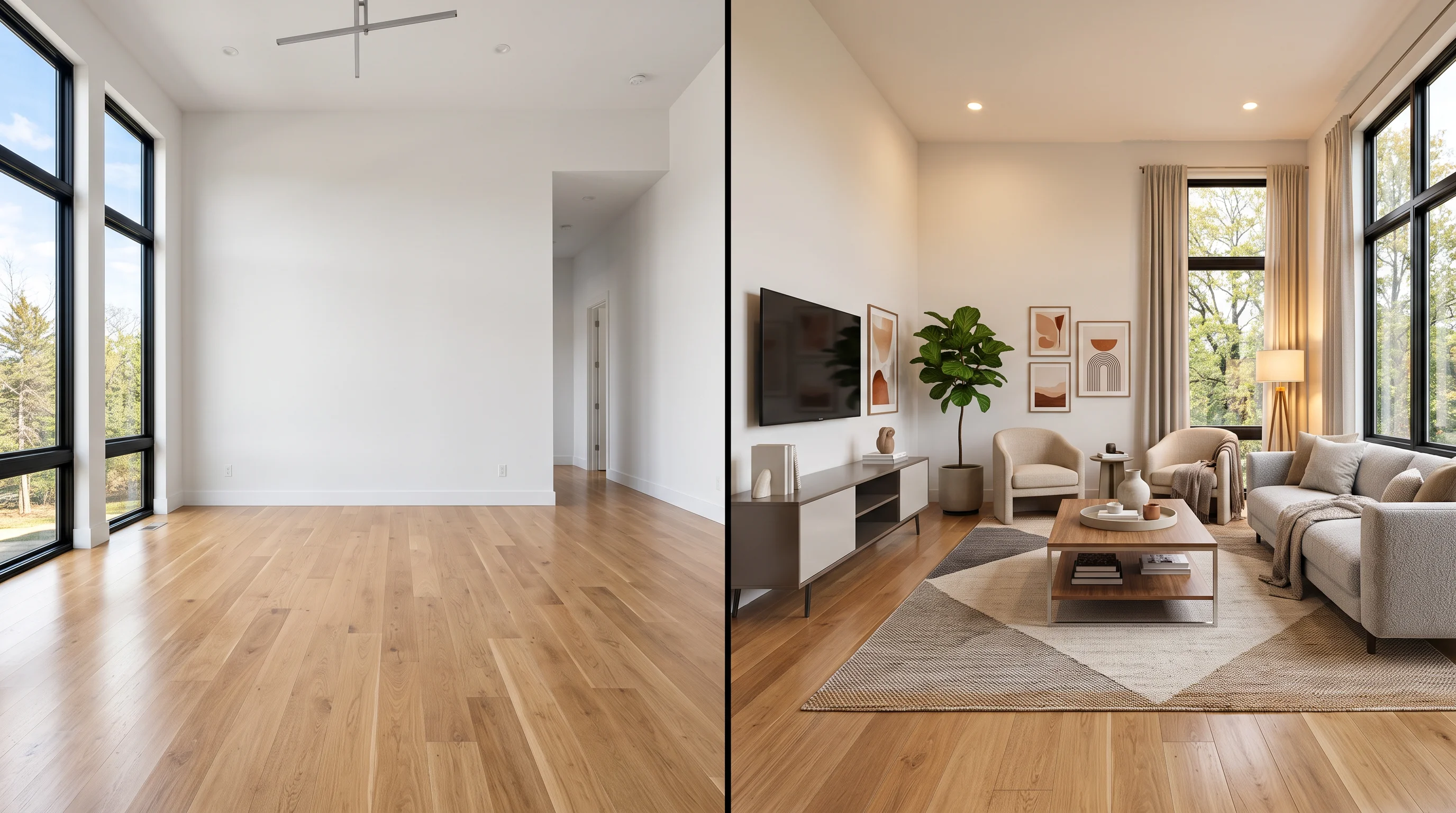
The shift from static 2D images to 360 interactive staging is driven by clear consumer behavior and proven transaction numbers.
According to the National Association of Realtors (NAR) and industry reports from 360iResearch and Instant Interior AI's State of Virtual Staging 2026:
- 75% Faster Contract Times: Properties marketed with staged virtual tours spend up to 75% less time on the market compared to vacant properties.
- 90% Greater Online Engagement: Listing portals prioritize interactive media. Prospective buyers spend 3 times longer exploring 360 virtual tours than clicking through static photo slideshows.
- 98.5% to 99% Sale-to-List Ratio: Homes marketed with immersive staging consistently close closer to their asking price, mitigating aggressive low-ball discount requests.
- $1.33 Billion Market Scale: The global real estate virtual staging market has expanded to $1.33 billion in 2026, projected to reach $2.96 billion by 2032 with a 13.51% CAGR.
When out-of-town buyers or busy relocators browse listings on Redfin or Zillow, an unfurnished 360 view leaves them guessing whether a sectional couch fits between the patio door and fireplace. Furnishing that entire spherical environment removes cognitive doubt before the private showing.
360 Staging vs. 2D Staging vs. Physical Staging
To understand where 360 virtual staging fits into your marketing budget, compare the three primary staging methodologies:
| Metric | Physical Staging | Traditional Human 360 (e.g., BoxBrownie) | AI 360 Virtual Staging (EasyRoomAI) |
|---|---|---|---|
| Cost per Room | $1,500 – $4,000 / month | $48.00 – $60.00 / image | 15 Credits (~$1.99) |
| Turnaround Time | 3 – 7 days delivery | 24 – 48 business hours | 15 – 30 seconds |
| Buyer Interactivity | In-person physical walk | $360^\circ$ panorama in viewer | $360^\circ$ interactive sphere & Before/After split |
| Revisions & Styles | Costly manual restaging | $15 – $30 per style revision | Instant 1-click re-roll across 16 styles |
| Structure Locking | N/A (Physical space) | High manual precision | Automated equirectangular architectural lock |
| Output Compatibility | Physical viewings only | Matterport, Kuula, CloudPano | Matterport, Kuula, CloudPano, Zillow 3D |
Physical staging remains unmatched for open houses on ultra-luxury estates ($3M+). However, for everyday residential listings, vacant rentals, and commercial spaces, spending $3,000 on furniture rentals that sit empty for weeks is difficult to justify.
Conversely, manual 360 editing services charge up to $60 per panorama—meaning a 6-room tour costs $360 and takes two days. AI-driven 360 staging solves both barriers: full-room immersion at under $2 a panorama in under 30 seconds.
Stage a Vacant Room with AI in 30 Seconds
Upload an empty room photo to generate photorealistic, MLS-compliant staged furniture.
Supports JPG, PNG, WebP up to 10MB
Equipment & Photography Best Practices for 360 Staging
High-quality virtual staging requires a clean, undistorted base capture. If your source panorama has tilted horizons, camera glare, or blurry corners, digital furniture will look misaligned.
1. Recommended 360 Cameras in 2026
- Ricoh Theta Z1 ($999 – $1,099): The industry benchmark for real estate. Dual 1-inch back-illuminated CMOS sensors and RAW (DNG) shooting provide exceptional dynamic range, capturing bright window views and dark hallway corners without blown highlights.
- Insta360 X4 / X5 ($449 – $799): Compact, user-friendly, and capable of high-resolution 72MP 360 photo stitching with built-in Active HDR. Excellent for high-volume listing teams.
- Trisio Lite 2 ($399): Single-lens rotating panoramic camera engineered specifically for indoor real estate photography, offering crisp 8K node exports.
2. The Monopod Rule (Avoid Tripod Clutter)
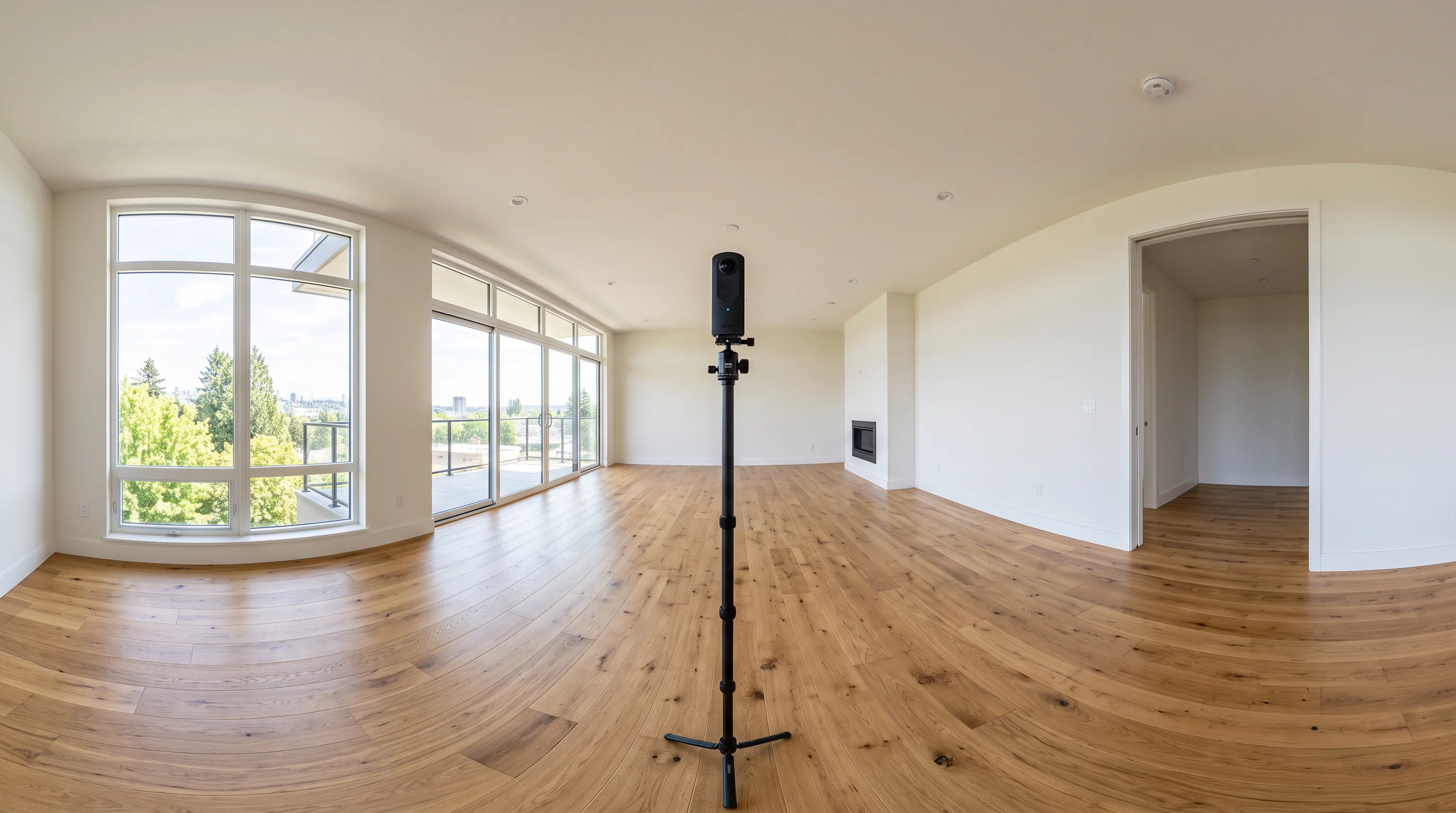
Never use a bulky three-legged DSLR tripod. Wide tripod legs expand into the bottom nadir of the 360 sphere, requiring heavy digital patching.
- Use a weighted slim monopod with a small base stand.
- The camera takes up less than 2% of the bottom nadir, leaving floor textures intact for seamless staging.
3. Height & Room Placement
- Chest Height (4.0 – 4.5 feet / 120 – 135 cm): Setting the camera at eye level makes ceiling heights feel natural. Placing it too high makes rooms feel like a security camera feed; placing it too low distorts counter tops.
- Room Geometric Center: Position the monopod equidistant from key walls. In an open-plan kitchen and living room, take two separate nodal shots: one centered in the living zone, one centered near the kitchen island.
- Hide During the Shot: Use the smartphone app to trigger the shutter from around the corner or in an adjoining hallway so you do not appear in the reflection or window glass.
Step-by-Step: How to 360 Virtually Stage a Room in 30 Seconds
Staging an equirectangular panorama requires specialized coordinate awareness so furniture curves properly along spherical latitude lines. Here is how to execute it using EasyRoomAI's 360 Virtual Staging Studio:
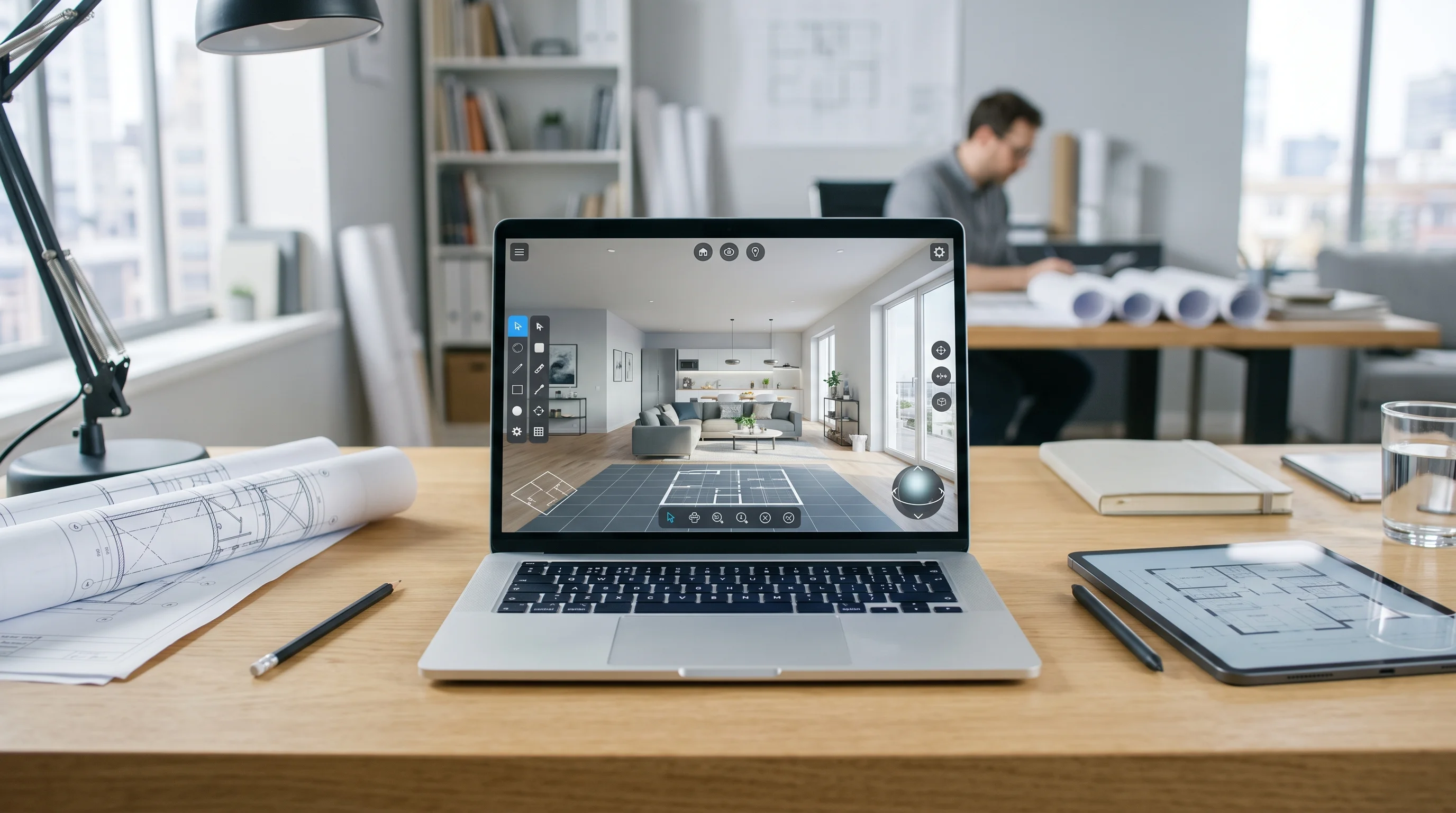
Step 1: Export Your 2:1 Equirectangular Image
Export your 360 photo from your camera app (Ricoh Theta, Insta360 Studio, or Matterport export) as an equirectangular JPG or PNG. The pixel dimensions must follow an exact 2:1 aspect ratio (e.g., $2048 \times 1024$, $4096 \times 2048$, or $6720 \times 3360$).
Step 2: Upload to EasyRoomAI 360 Studio
Navigate to /app/360-virtual-staging. Drag and drop your panorama into the upload zone. The system automatically verifies:
- Aspect ratio tolerance ($1.95:1$ to $2.05:1$).
- Vertical horizon alignment and level detection.
- Resolution tier (2K Standard @ 15 credits, 4K HD @ 25 credits, or 8K Ultra @ 40 credits).
Step 3: Select Room Type & Curated Staging Preset
Choose the functional space (Living Room, Primary Bedroom, Dining Room, Home Office) and your design style:
- Modern Neutral / Scandinavian: Clean lines, light oak woods, warm bouclé fabrics, and neutral palettes that appeal to the widest buyer demographic.
- Japandi: Minimalist low-profile platform beds, ribbed wood acoustic panels, and muted earth tones.
- Luxury Contemporary: Polished marble coffee tables, velvet upholstery, and statement architectural lighting.
Step 4: Generate & Inspect in 360 Interactive Viewer
Click Generate. In 15–30 seconds, EasyRoomAI synthesizes realistic, perspective-locked 3D furniture into your panorama.
You can immediately pan, tilt, zoom, and rotate around the room. Use the built-in Before/After Split Slider to visually inspect how vacant corners compare with the staged result.
Step 5: Download & Integrate into Your Virtual Tour
Download the high-resolution staged 2:1 file. You now have an identical-dimension spherical asset ready to drop directly into your tour host or MLS media portal.
Integrating Staged 360 Panoramas into Matterport, Kuula & CloudPano
Once you have your staged 2:1 panoramas, how do you get them in front of home buyers? Here is the exact workflow for the top virtual tour platforms:
1. Kuula Virtual Tours
Kuula is one of the most cost-effective and flexible platforms for custom 360 tours:
- Create a new tour project and upload your vacant and virtually staged 360 panoramas.
- In the Kuula tour editor, set the staged panorama as the primary room node.
- Add an interactive Hotspot / Lens linking to the original vacant panorama so prospective buyers can toggle between "Furnished" and "Vacant" views.
- Copy the public share link or responsive
<iframe>code into your listing website.
2. Matterport Pro & 360 Nodes
For agents utilizing Matterport:
- 360 Views: Matterport allows you to upload standalone 360 panoramas alongside 3D mesh scans. You can add your virtually staged 2:1 images into the Matterport Workshop as outdoor or auxiliary 360 Views.
- Interactive Tour Cards: Place a Matterport multimedia tag (Mattertag) inside the room linking to a standalone 360 Panorama Viewer link demonstrating the staged space.
3. CloudPano & Zillow 3D Home
- CloudPano: Upload the staged 2:1 JPG directly into your CloudPano dashboard. CloudPano automatically preserves nadir points and displays full 360 navigation across mobile and desktop.
- Zillow 3D Home: Using the Zillow 3D Home app, replace vacant panorama nodes with your AI-staged panoramic images to receive the algorithmic "Zillow 3D Tour" badge on listing search results.
MLS Rules & Disclosure: Staying 100% Compliant
Virtual staging is powerful, but transparency is mandatory. Violating MLS rules can result in heavy fines, listing takedowns, or buyer lawsuits alleging misrepresentation.
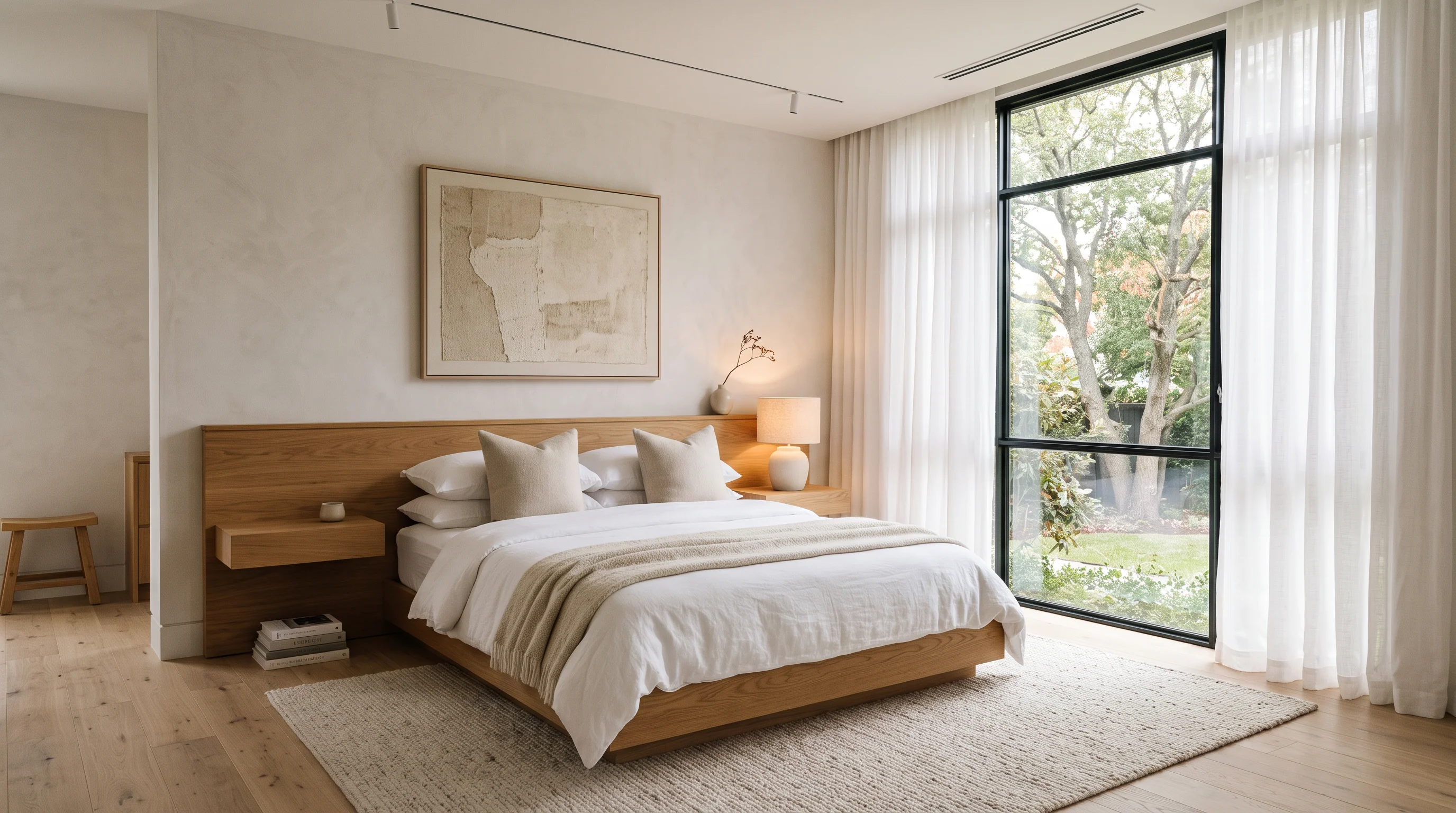
Always follow these four golden rules of virtual staging compliance:
1. Disclose on the Image & Listing Description
Every staged photo or 360 view must state clearly on the media: “Virtually Staged” or “Digitally Furnished”. In your MLS remarks, include: “Living room and primary bedroom photos have been virtually staged to illustrate spatial potential.”
2. Never Alter Fixed Architectural Structures
AI tools must lock architectural elements. You must never:
- Erase structural load-bearing columns.
- Move windows, doors, or electrical panels.
- Hide water damage, drywall cracks, or flooring flaws.
- Change the exterior view outside windows (e.g., replacing a parking lot with a mountain range).
EasyRoomAI's 360 Staging Engine strictly locks wall positions, window frames, and flooring boundaries, ensuring furniture is placed inside the true physical envelope.
3. Always Provide the Vacant Baseline Photo
Include both the unfurnished original photo and the virtually staged version in the MLS gallery. Many MLS boards require the unfurnished photo to immediately succeed the staged version in the photo queue.
Frequently Asked Questions (FAQ)
What is 360 virtual staging?
360 virtual staging is the digital process of adding photorealistic 3D furniture, lighting, and decor into a $360^\circ \times 180^\circ$ equirectangular spherical photo of an empty room. Viewers can pan, rotate, and look around the furnished space inside virtual tour viewers like Kuula or Matterport.
What is an equirectangular 2:1 image?
An equirectangular image is a spherical projection mapped onto a flat rectangular surface where the width is exactly twice the height (e.g., $4096 \times 2048$ pixels). It represents a full horizontal $360^\circ$ rotation and vertical $180^\circ$ field of view.
Can I stage a 360 photo captured on my smartphone?
Yes. Many modern smartphones (using panoramic capture apps or 360 clip-on lenses) can produce 2:1 stitched panoramas. However, for real estate marketing, a dedicated dual-lens 360 camera like the Ricoh Theta Z1 or Insta360 X4 produces significantly sharper window details and dynamic range.
How much does 360 virtual staging cost?
Traditional human editing agencies charge $48 to $60 per 360 image with a 24 to 48-hour delay. With EasyRoomAI, 360 virtual staging costs 15 credits (~$1.99) per 2K panorama and generates in under 30 seconds. (See our complete virtual staging cost breakdown for full agency vs AI pricing comparisons.)
Does 360 virtual staging work with Matterport?
Yes. You can export 360 panorama nodes from Matterport, stage them in EasyRoomAI, and upload the staged panoramas back into your tour assets or Kuula/CloudPano walkthroughs.
Is 360 virtual staging compliant with MLS regulations?
Yes, as long as you add a "Virtually Staged" disclosure watermark, include the original vacant photo in the listing package, and refrain from altering fixed structural elements (such as windows, walls, and exterior views).
Transform Your Vacant Tours Today
Empty rooms leave buyer interest on the table. With 360 virtual staging, you can transform cold, echoing listing scans into warm, aspirational spaces that drive showings and win seller listings.
Ready to test 360 staging on your upcoming property?
- Stage Your First 360 Room on EasyRoomAI — 15-second turnaround, architecture-locked.
- Compare Top Staging Software — See how 360 virtual staging tools evaluate against traditional 2D editors.
- Master the DIY Staging Workflow — 5-step playbook from camera placement to MLS export.
- Test Your Panoramas in Our Free 360 Viewer — Instant local WebGL Before/After comparisons, zero installation required.
- Explore Listing Pricing Plans — Scale your real estate marketing with flexible credit packs and pro tiers.
Ready to Stage a Listing?
Upload a vacant room photo and generate listing-ready furniture — sign in with credits to generate.
Stage a ListingRelated reading
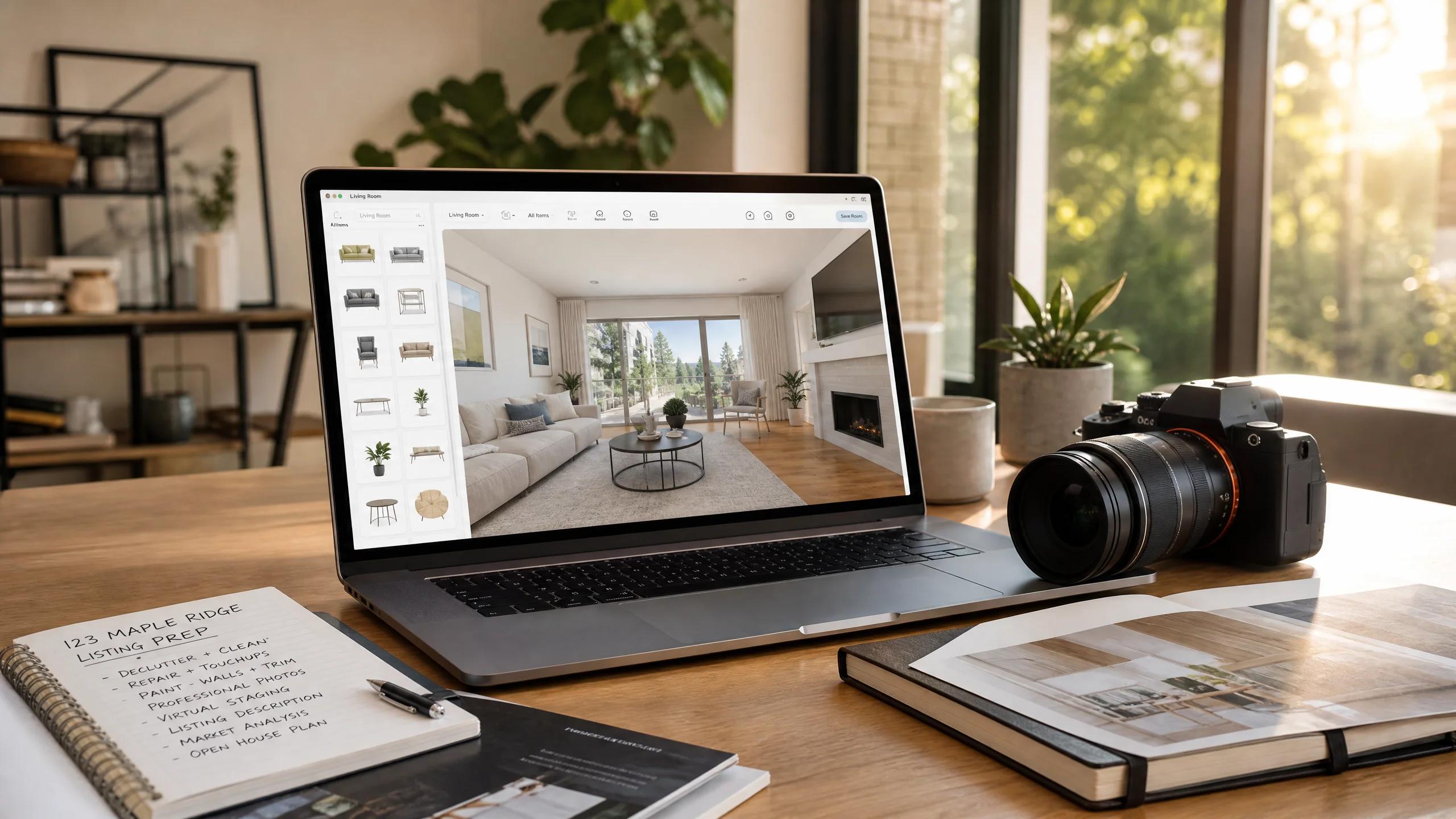
DIY Virtual Staging Software: How to Stage Listings Yourself in 2026 (Tools, Costs & Step-by-Step Guide)
Stop paying $24–$35 per photo to outsourcing agencies. Compare the top DIY virtual staging software in 2026, master the 5-step realtor staging workflow, and avoid costly MLS disclosure and perspective mistakes.
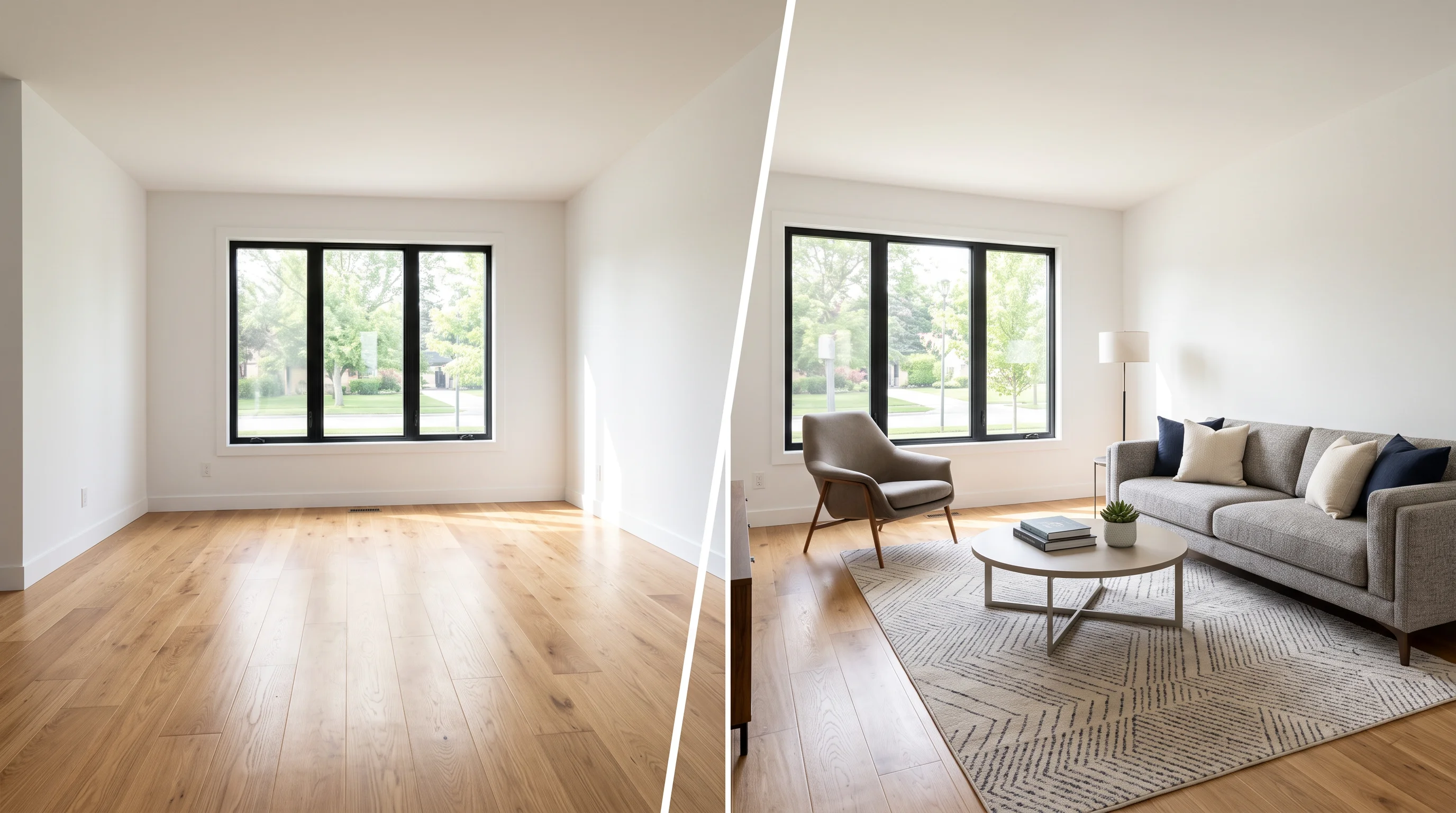
Virtual Staging: The Complete Guide for Real Estate Agents (2026)
Everything agents need to know about virtual staging in 2026 — how AI staging works, what it costs, which rooms to stage first, MLS disclosure rules, and how to avoid the mistakes that kill buyer trust.
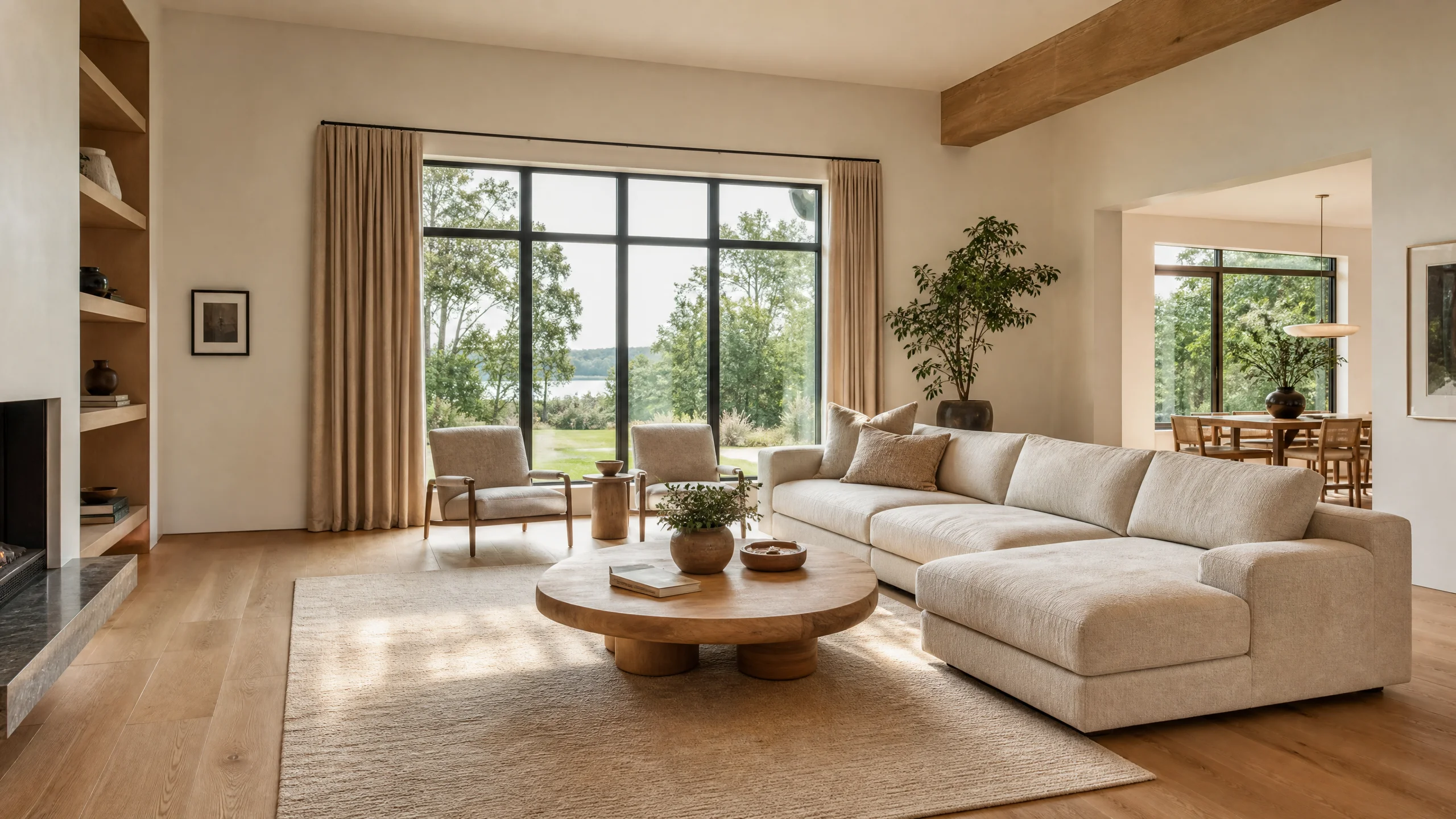
Best Virtual Staging Software for Real Estate (2026 Tested)
Compare the best virtual staging software for real estate in 2026. Real test data from Reddit photographers, architecture lock vs AI hallucination, 360° panorama support, and MLS compliance.